
Daily checks need to be completed in and outside your vehicle to make sure it’s roadworthy.
UK Government information regarding the commercial vehicle check can be found here.
These checks should be done as part of an overall maintenance programme.
Adding a vehicle
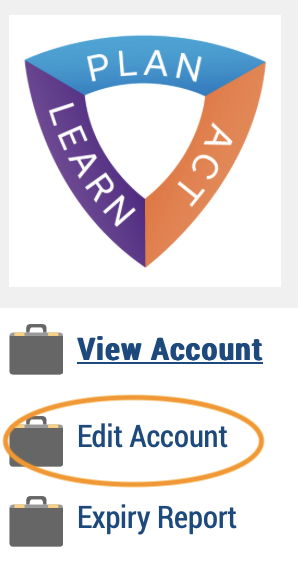
Under your logo, click Edit account
Optional Module.
Scroll down to the Add Vehicle section and complete as required. Advanced accounts only.
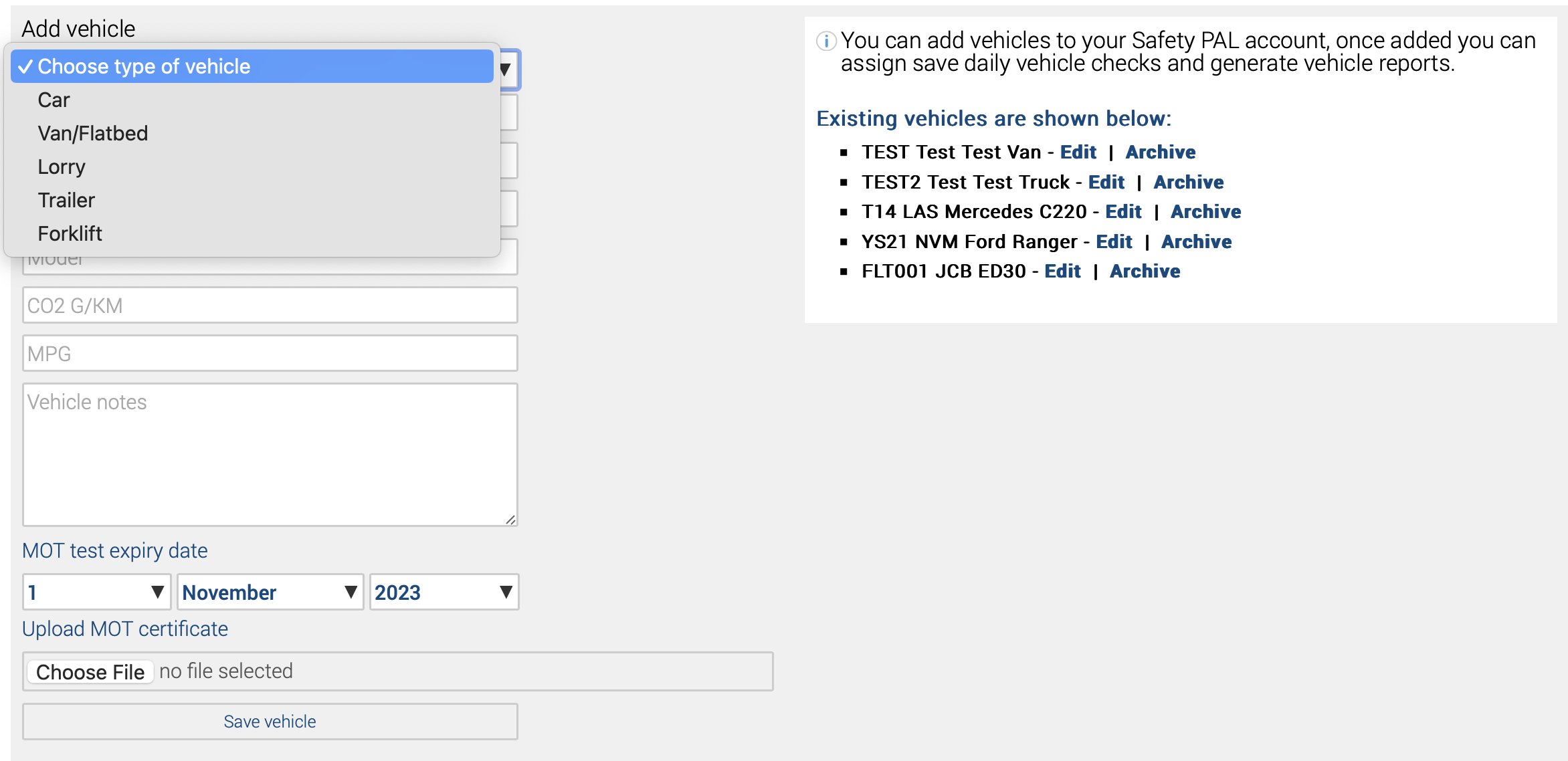
Once the vehicle is saved, it will show on the right with further added information. Click Edit to open the Edit screen.
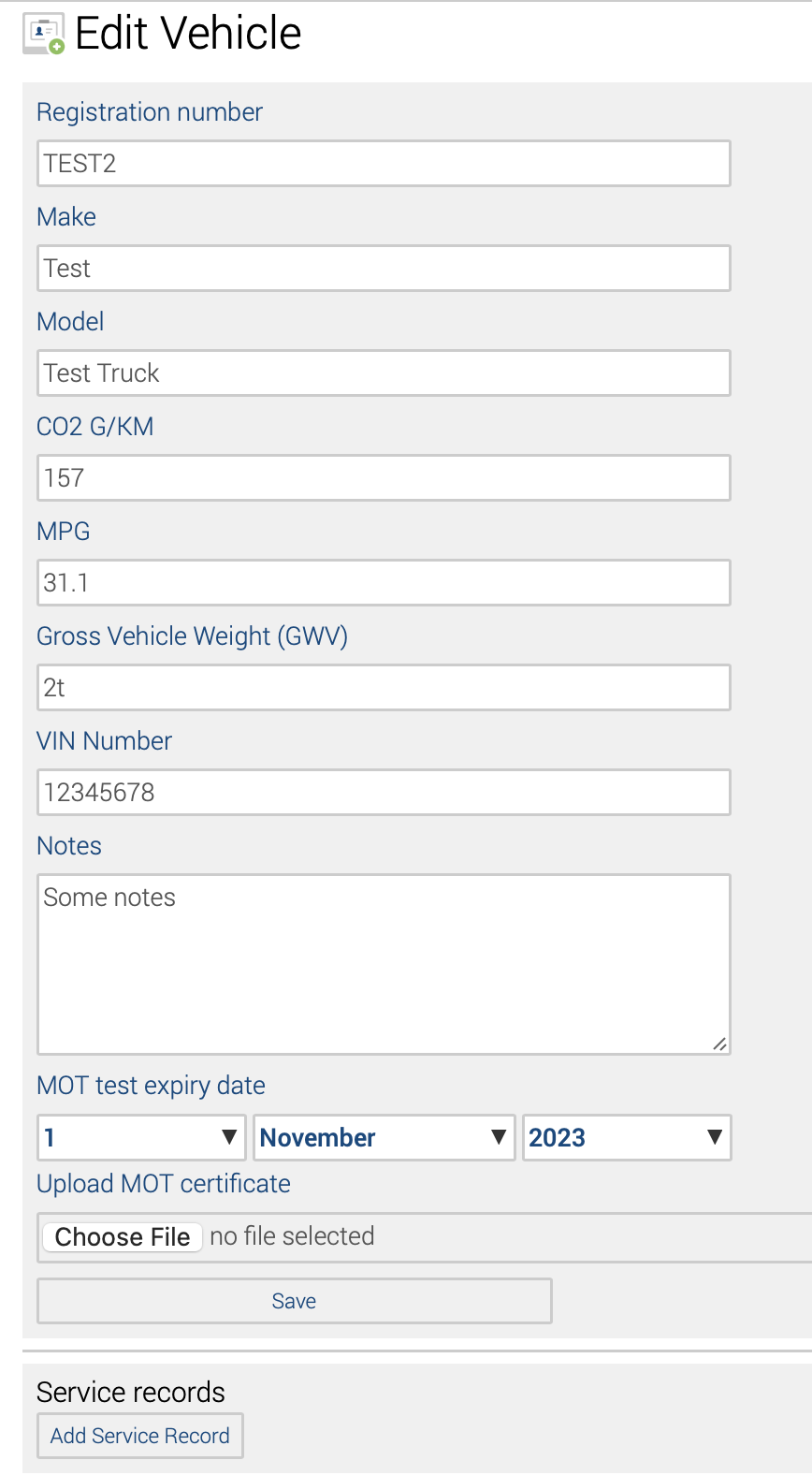
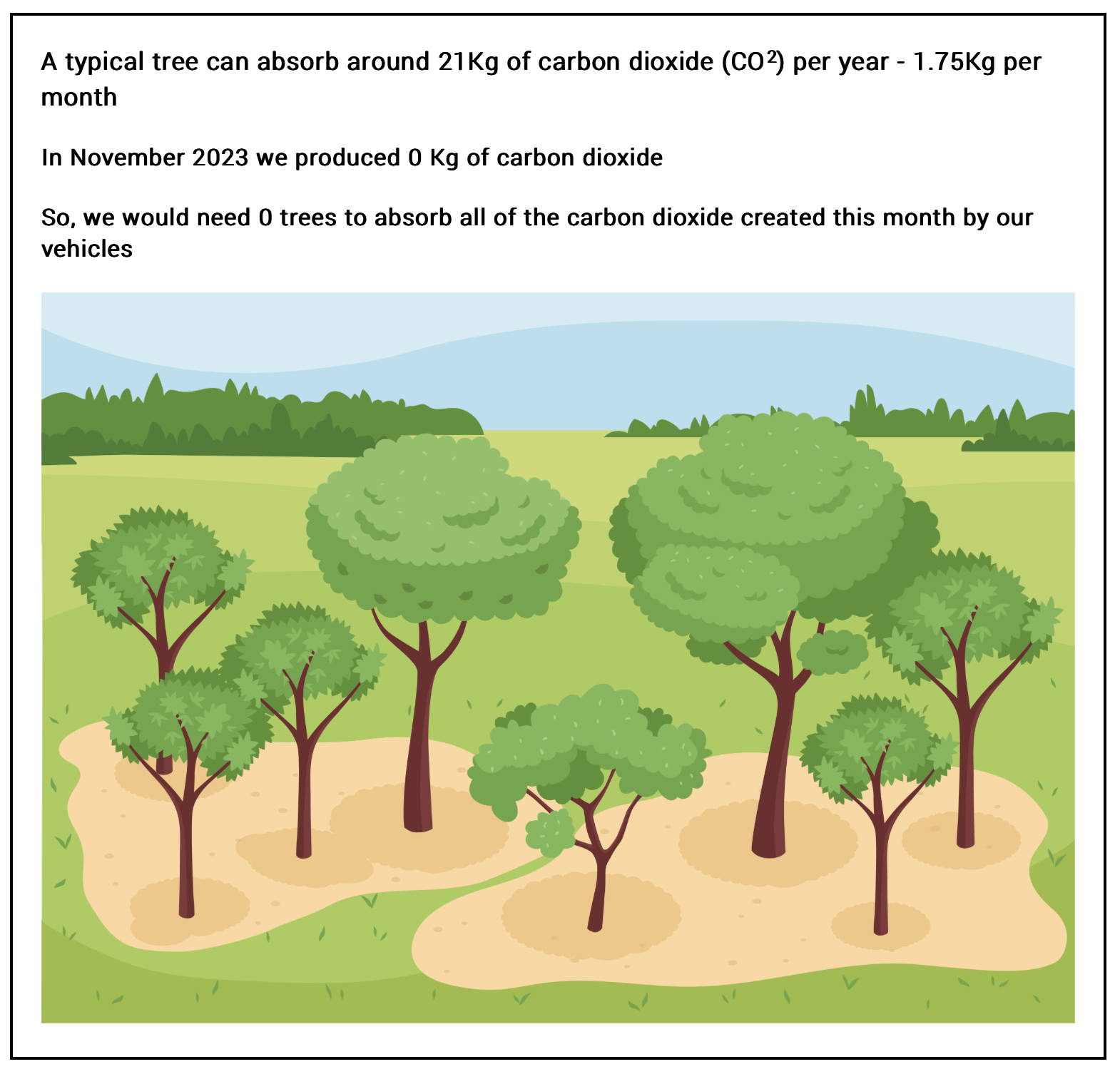
CO2 G/KM, along with the mileage entered by the user completing the vehicle check, is used for the Vehicles Emission Report.
Daily vehicle check
Vehicle checks can be completed from the worker’s Safety PAL To Do List.
Select the vehicle or use the search tool.
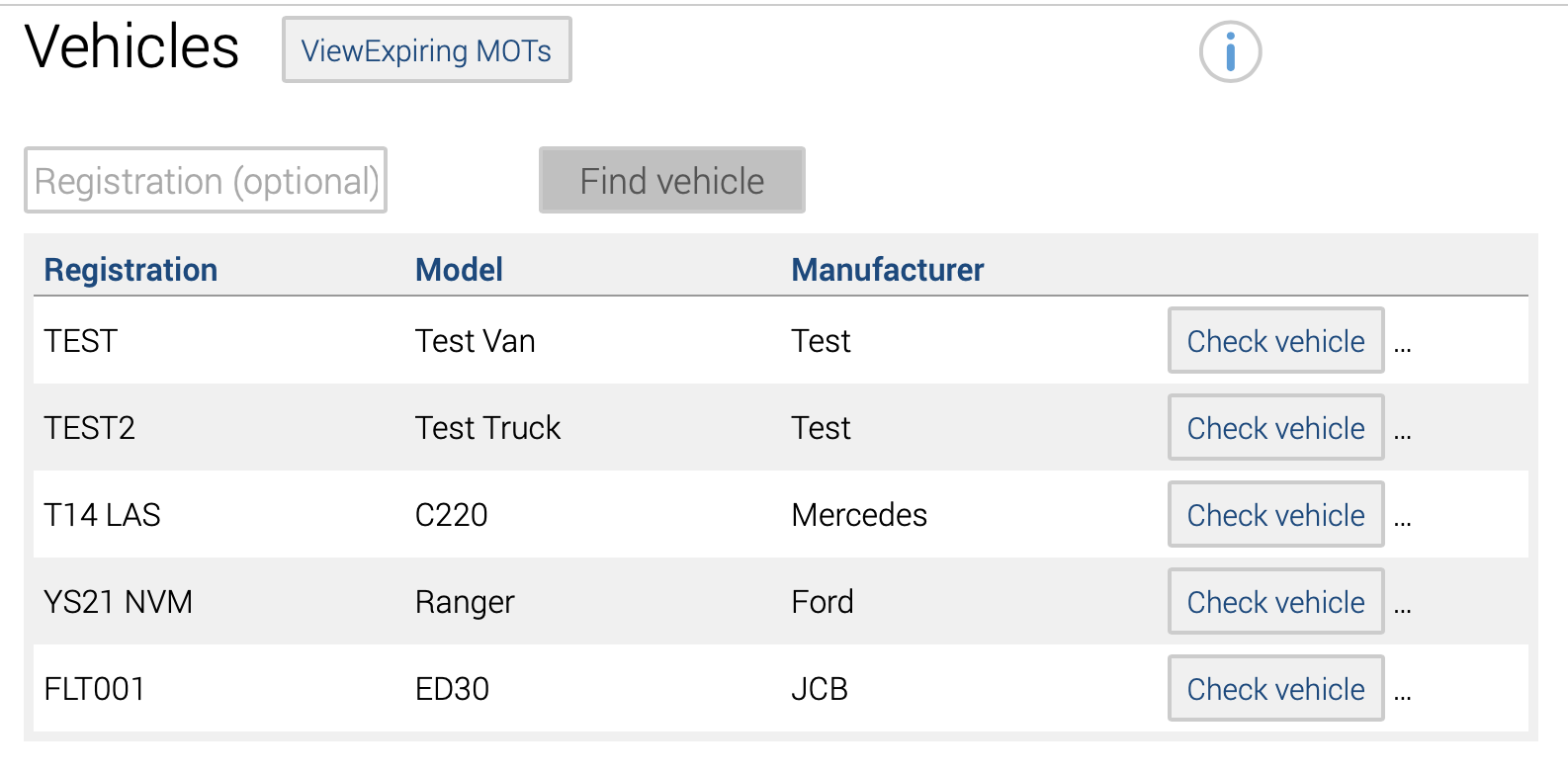
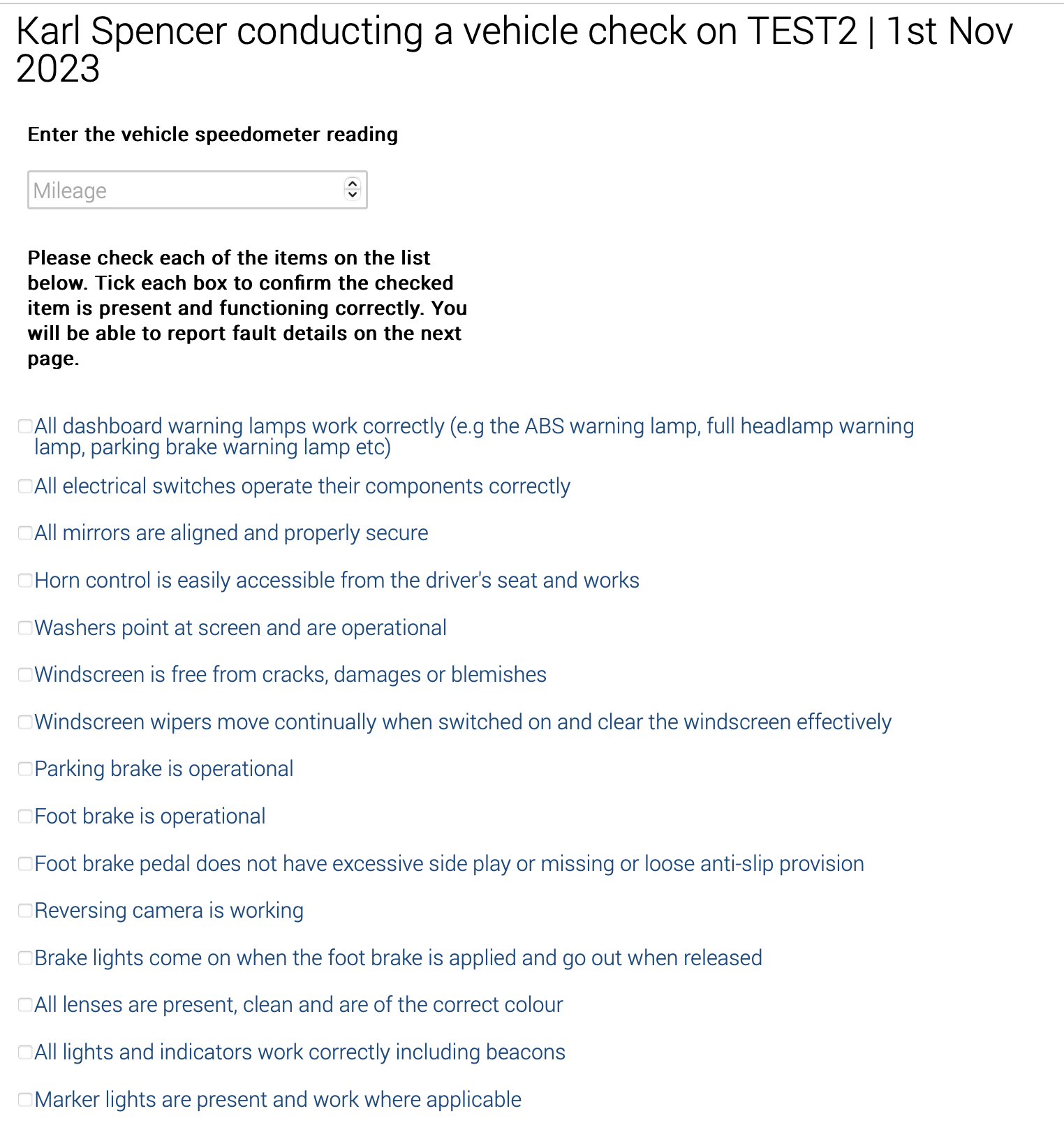
Enter the vehicle’s mileage and process the checks, validating with a tick confirmation.
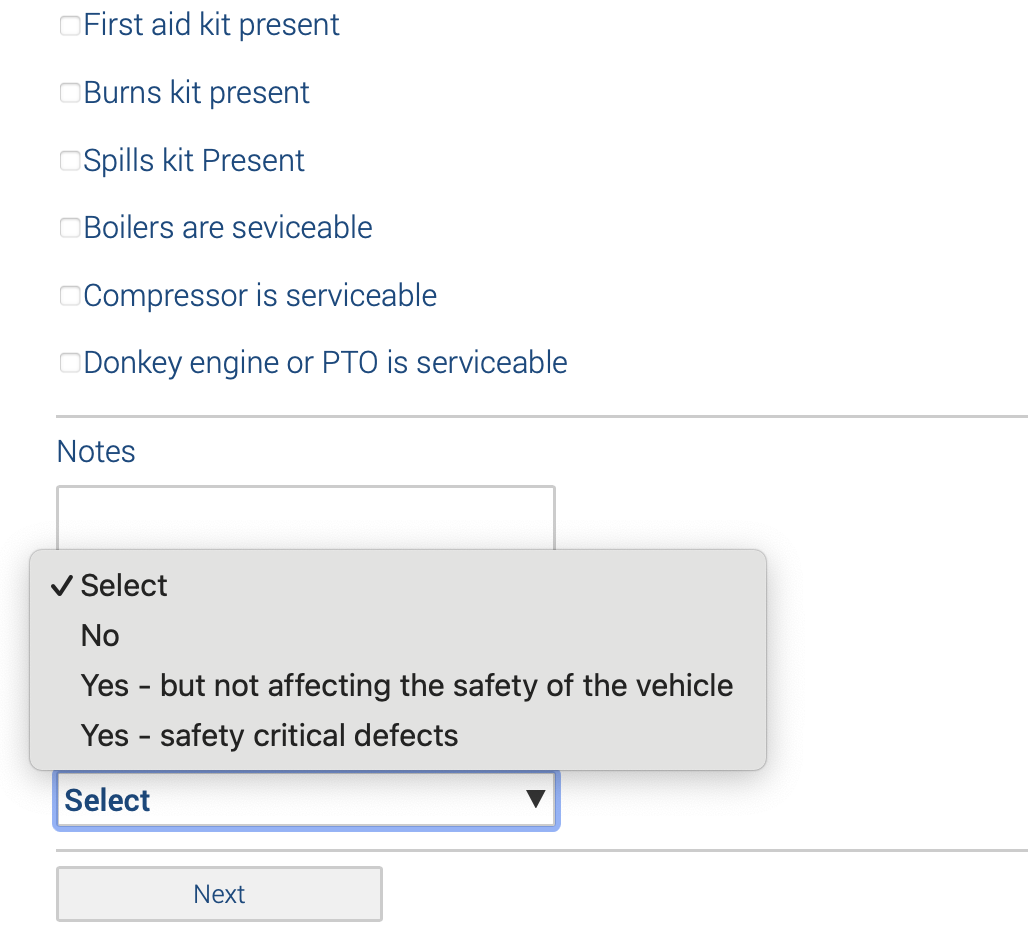
Finish off the check by confirming no defect or the type of defect.
Vehicle Reporting
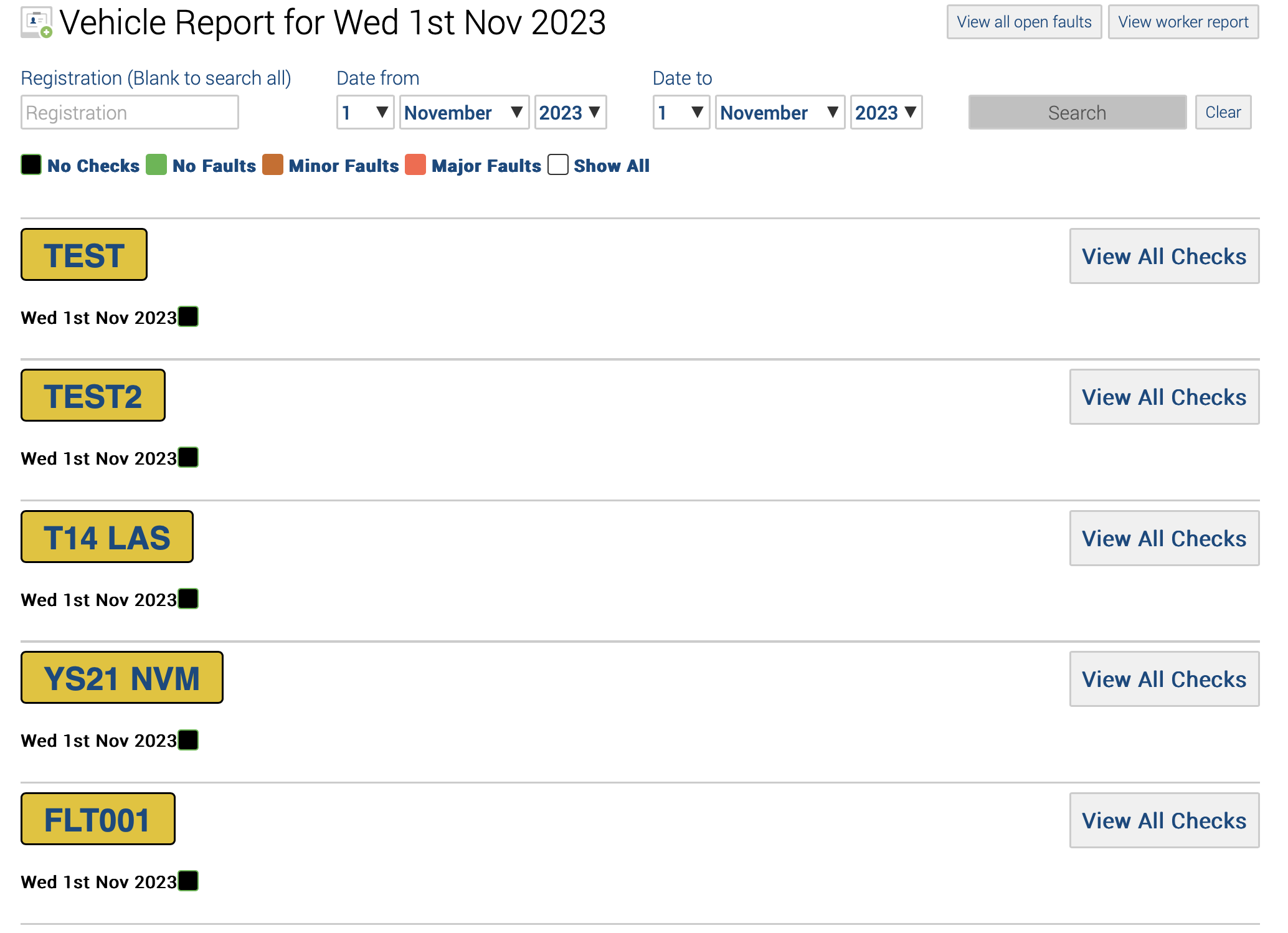
All checked and unchecked vehicles show in the vehicle report accessible from the Safety PAL dashboard under the business reports section.
Vehicle Defect
For any item unticked under the vehicle, a check can be reported, and a description and photo can be added.
The defect will be reported to your service manager via email.
Click the ‘View all open faults’ from the vehicle report page – see the image above.
Clicking will reveal the Open Vehicle Fault page.
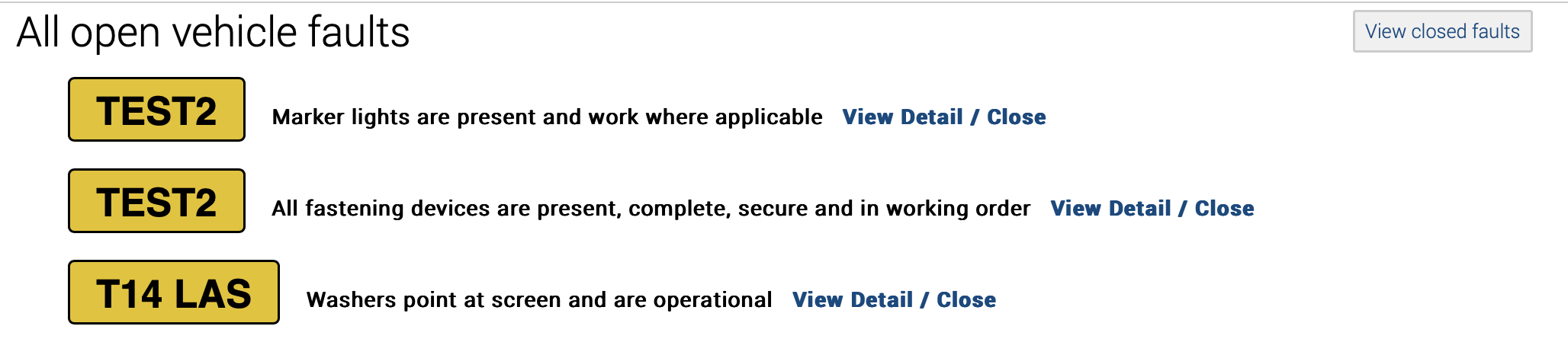
Use the tools to close out defects.