
Adding Departments
Adding departments allows you to control your employees, guest users and contractors entered into your account
Departments and Sub-departments can be added to your main account screen
Click View Account>Edit Account
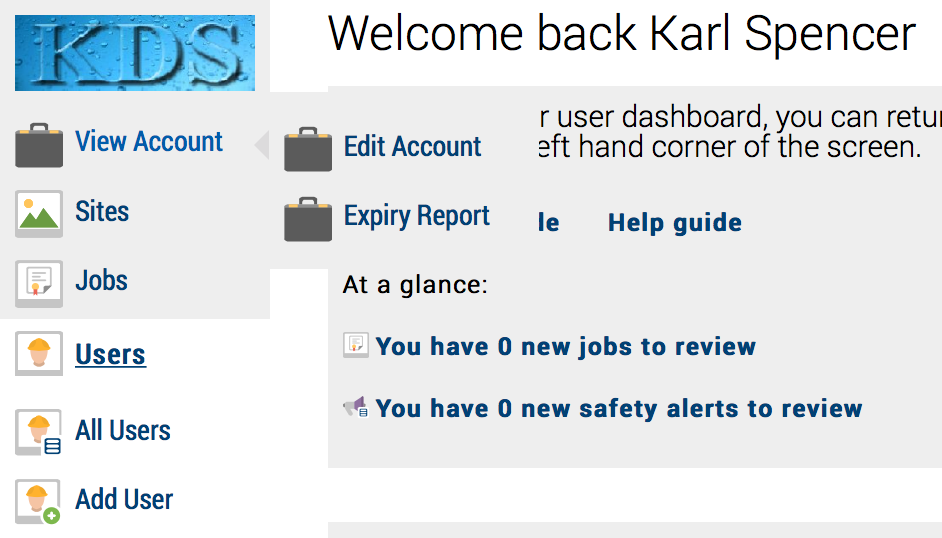
You are now in ‘edit account’ mode. Note: this section is only available to administrators
You now have the ability to add a department
In the ‘Add departments’ input box, type the name of your department:
example ‘Engineering’
Then click save department button
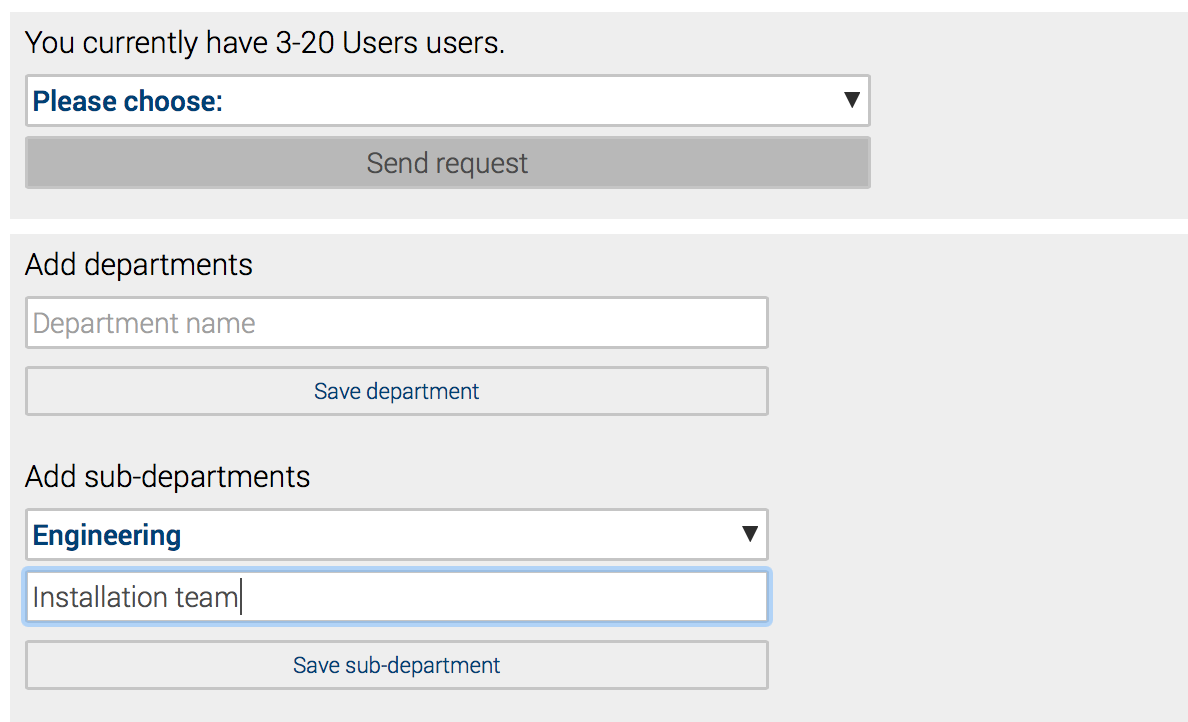
By clicking ‘Save department’ button, Safety PAL adds this department to your department list and will be shown on the right-hand side of your screen.
You can now add a ‘Sub-department’
Select your department from the pull-down box, then type in your required text for the relevant sub-department and click
‘Save sub-department
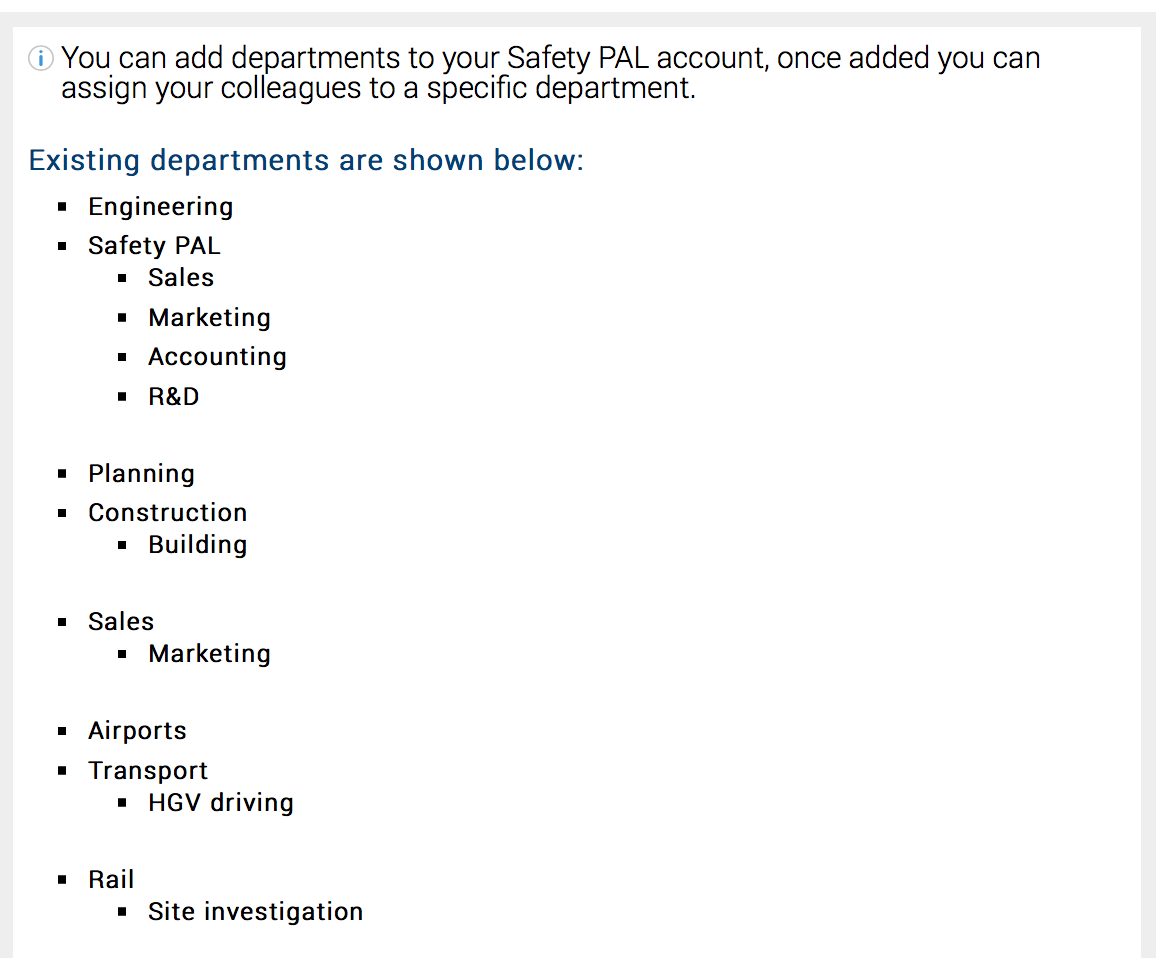
You can add as many departments and sub-departments as required
Note: a sub-department can only be assigned to a department, so first build your list of departments then add sub-departments
For help assigning a department to a user, click here