
Confirming & Requesting PPE
Confirming PPE you have been issued
PPE receipts are now required
When you issue PPE, the worker receiving the PPE will need to confirm via a link he/she will get via an email or if you go to your to-do list and scroll to the bottom to see ‘PPE You have been issued’ you will see if you need to ‘confirm receipt’
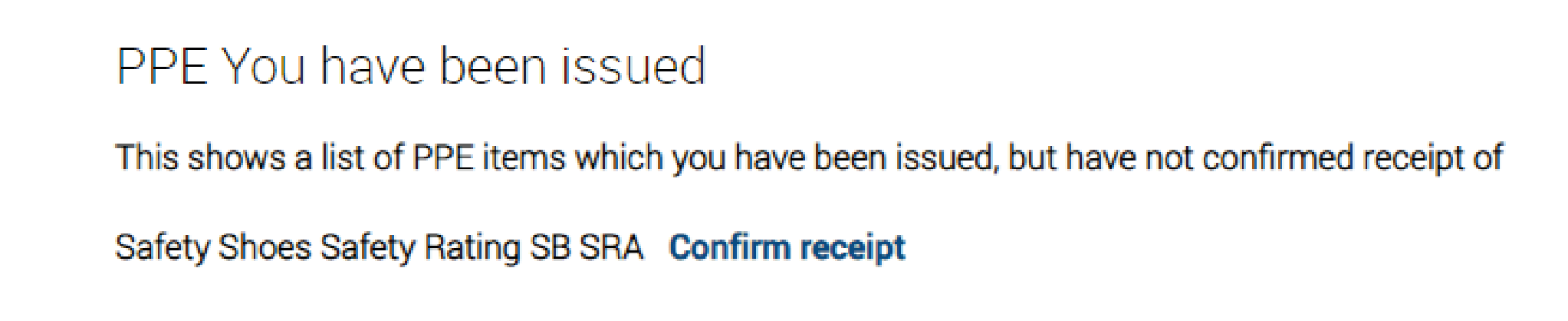
You can view their confirmation Yes/No under their specific profile.
The reason is to ensure the worker has received the PPE and that records are not falsified in any way, further increasing the opportunity of defending a legal or civil claim.
Requesting PPE
Click on your to-do list on your dashboard.
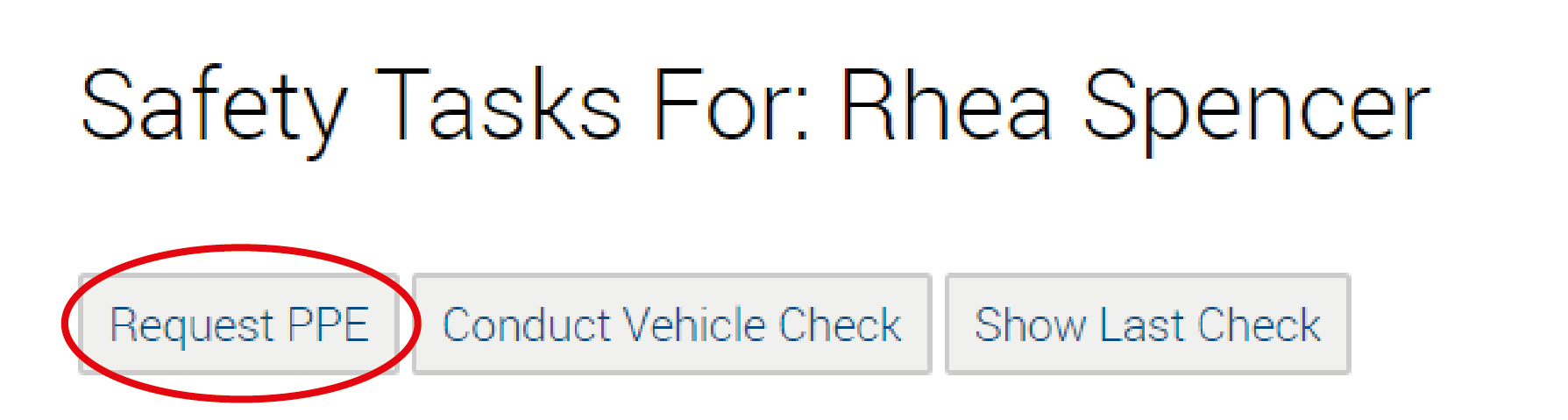
Click on ‘Request PPE’
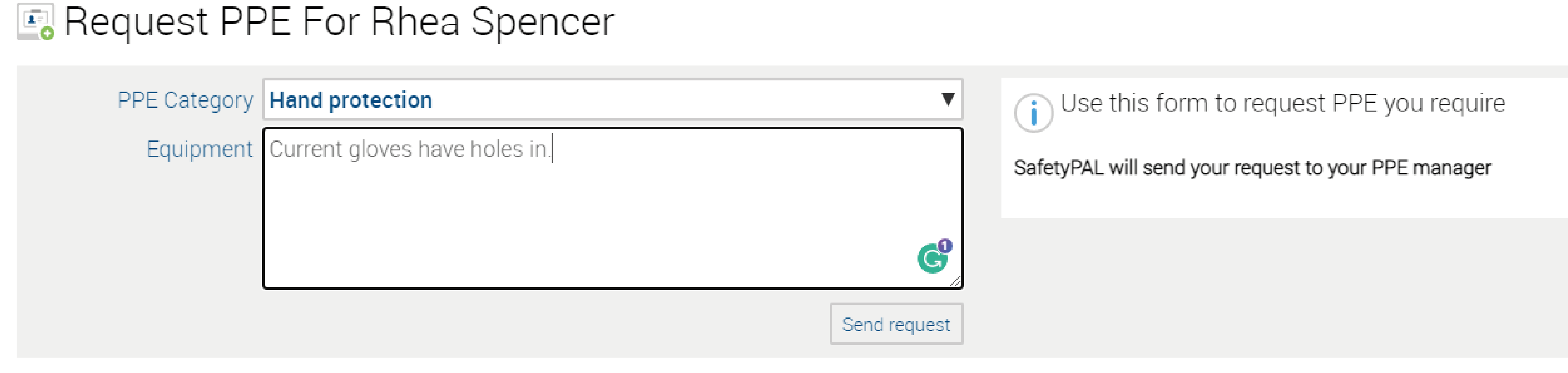
Use the drop-down box to choose from the PPE category list.
Then specify what you need and why.
That will then be sent to your PPE manager.
For more information on ‘Users’ click here