Assign each User / Guest User / Contractor to their own department or company.
Note: If you do not have any departments or sub-departments added, then you can do this here
Goto>Users and click Edit on the User you want to edit.
In the ‘Edit’ section, you will see the department and sub-department selection boxes
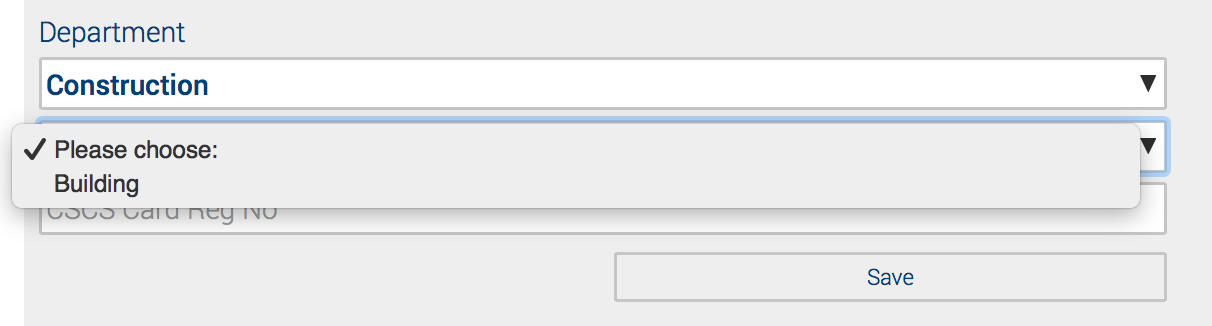
Select the required department, the sub-department selection box will appear.
Click ‘Save’
You can view all your users department/sub-department details under the main user overview screen

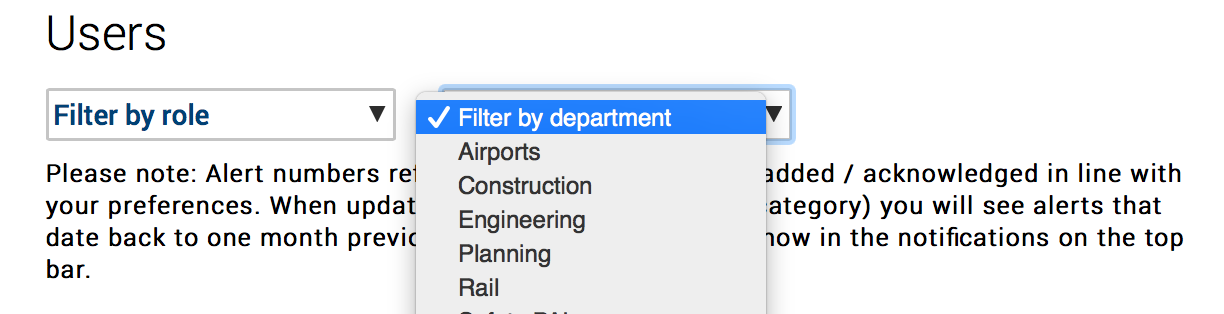
Now you have assigned the correct department to the correct user, you can filter all users by using the filter selection under your users overview.