
You can Upgrade or Downgrade the number of users in your account at anytime
Increase or decrease the number of users on your account.
Click View Account>Edit Account
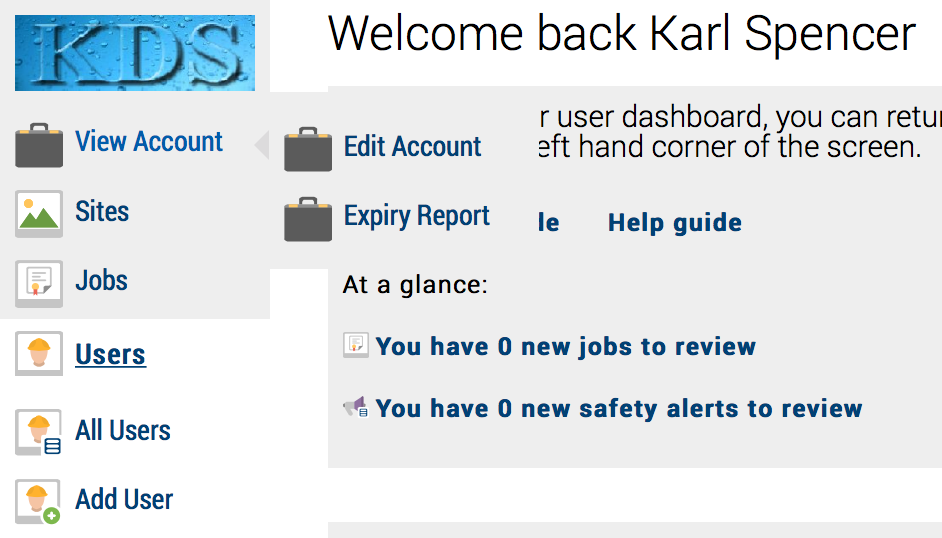
You are now in ‘edit account’ mode. Note: this section is only available to administrators
You now have the option to Upgrade or Downgrade…
Using the pre-populated selection to select your required number of users:
- 1-2
- 3-20
- 21-50
- 51-100
- 101-250
- 251-500
- 501-3000
- 3001+ please enquire
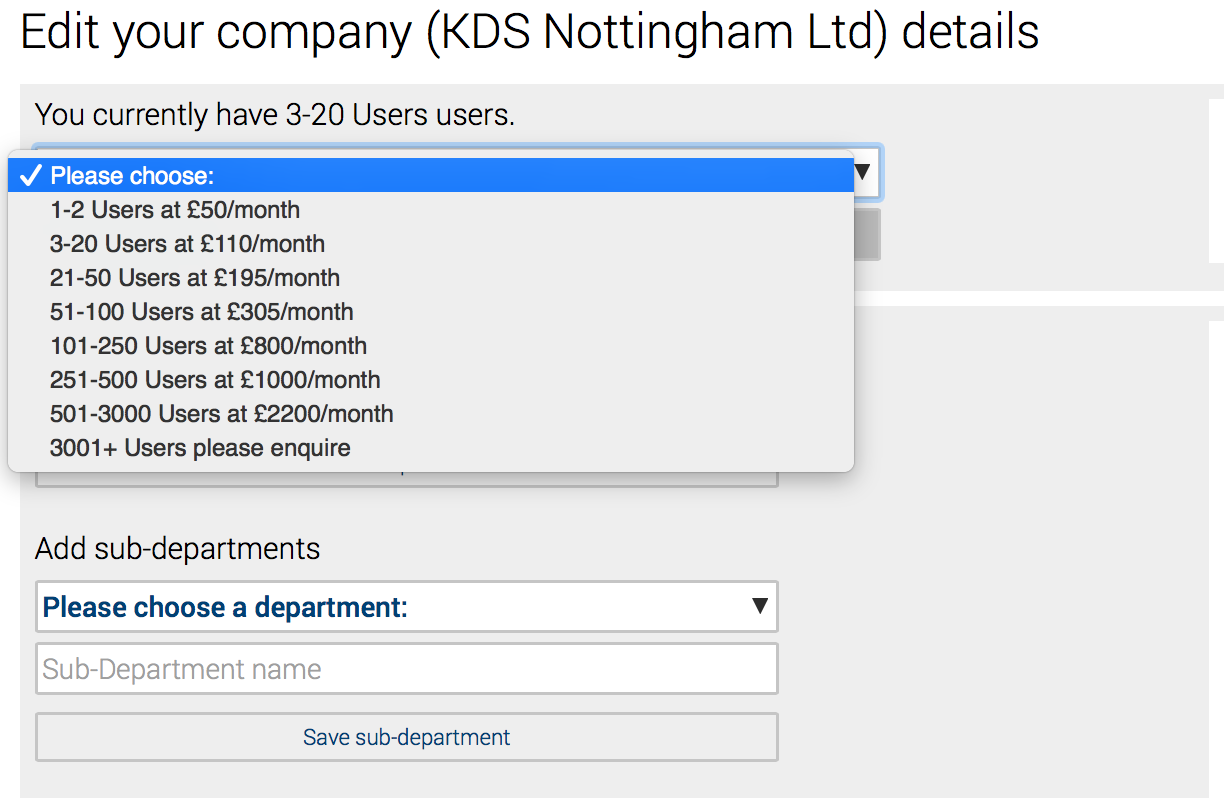
Select and click the ‘Send request’ button, your account manager will receive an email notification of the request and will action as required.
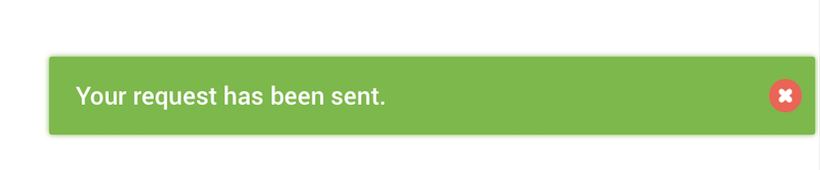
You will receive an on-screen confirmation message
The number of Users in your account can be seen from the Top Menu bar, shown here as 3-20 Users
