
Advanced users now have the feature ‘Job Safety Bulletins’
What are Advanced Job safety Bulletins?
Job Safety Bulletins are different from Safety Alerts and Safety Bulletins, as these are project-specific, and just like Safety Bulletins, they do not require the user to ‘Read and Understand’ and there is no option to ‘Requesting Further Training’
How to create a safety bulletin:
Once you have signed in and logged in, go to your dashboard.
Use the left side panel to navigate to fine ‘Jobs’.
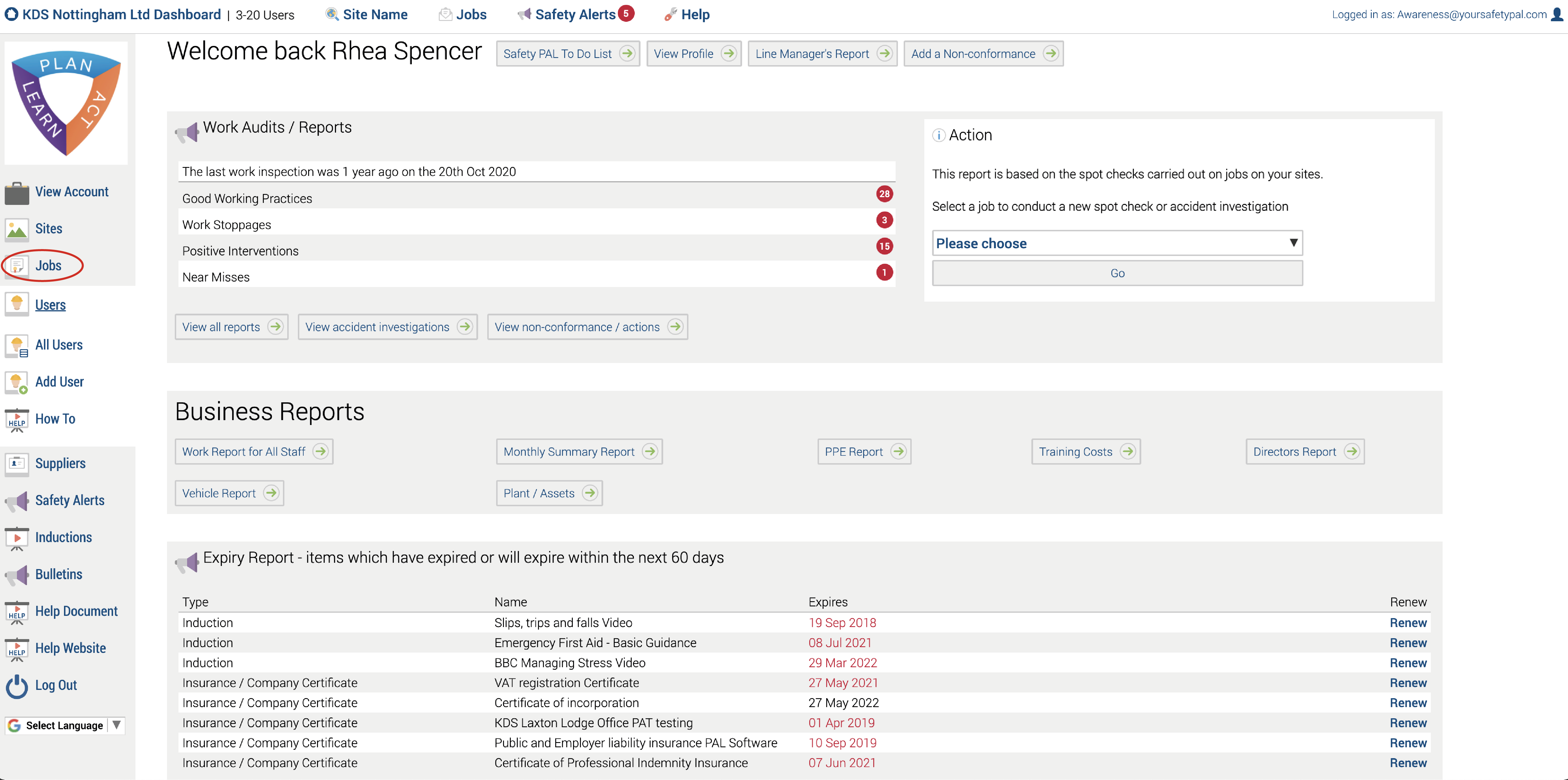
After this it will open this page:
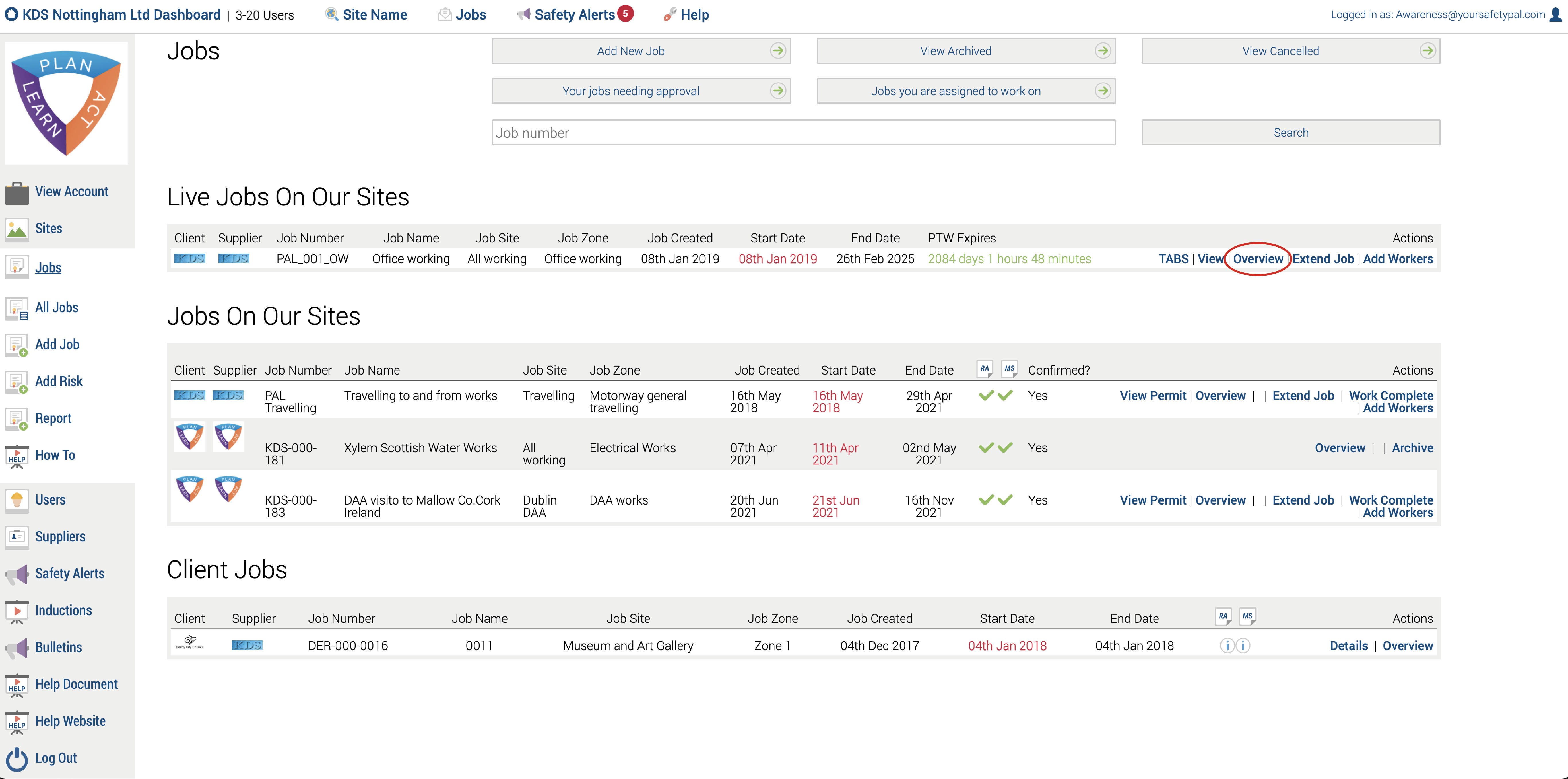
To add a safety bulletin to one of your jobs click overview on that job.
It will then open this page:
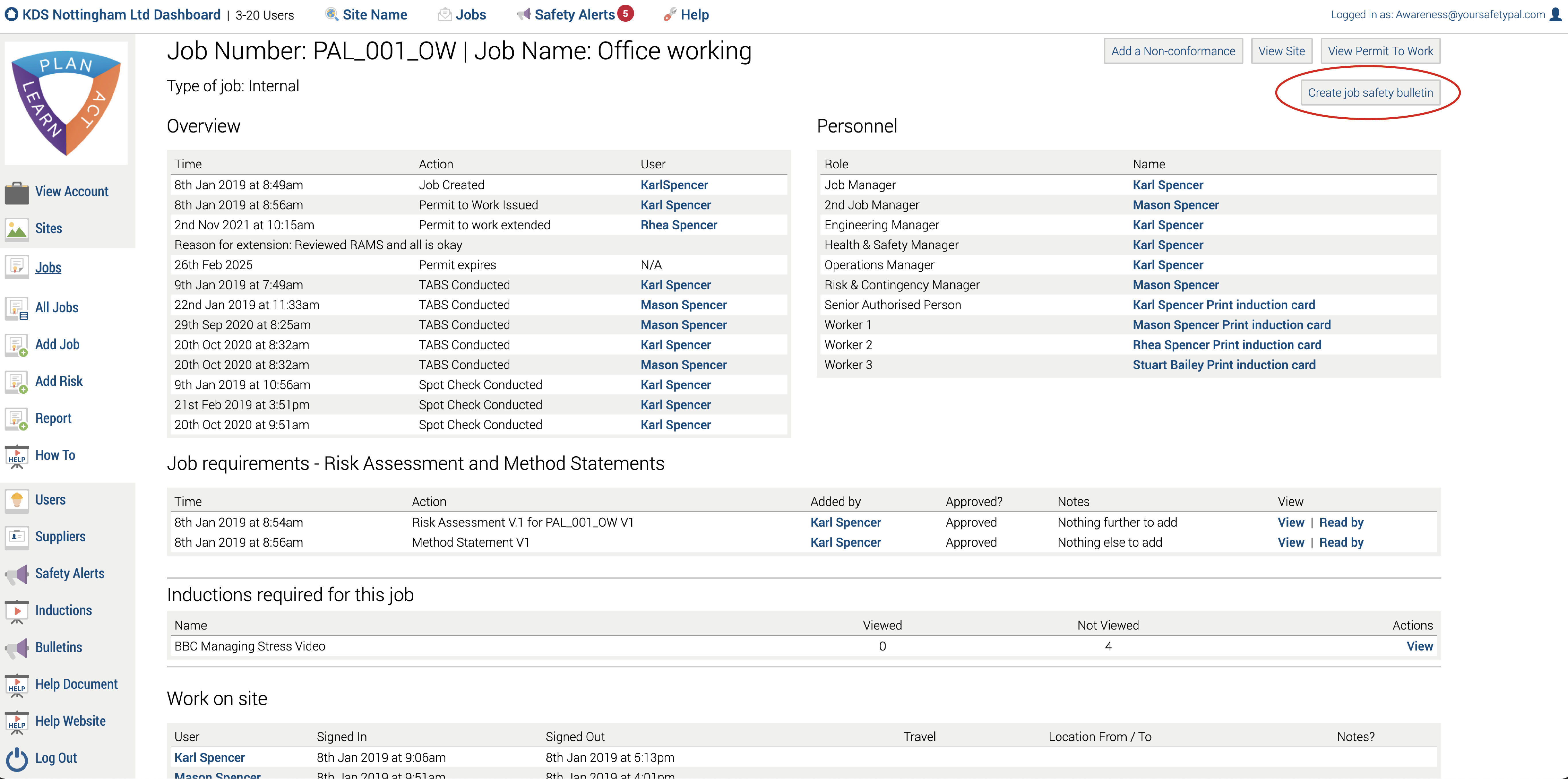
Now you can create a safety bulletin for your selected job.
Simply enter the title of your bulletin and a short description (Optional)
Use the selection box to upload a file or link to a webpage.
Then click the Send Bulletin button
The user(s) who have been added to the Job – More information on adding workers here will receive an email telling them they have a Safety Bulletin on Safety PAL to read.
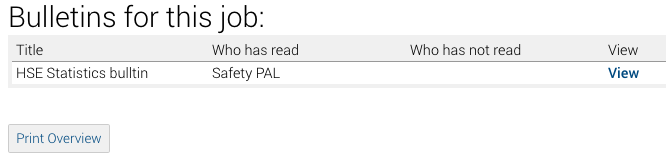
Read Bulletins
All read bulletins are shown on the Job Overview page, including a view button for the workers who need to view them again.
Print your complete Job Overview using the button at the page end
Other help on the distribution of documentation can be found here
If your account doesn’t include this feature, please get in touch with us here, as this is a feature, is an advanced account feature.