
The Control of Vibration at Work Regulations 2005 requires all companies to identify when exposure to handarm vibration may cause harm.
Safety PAL HAVS How To:
From the jobs dashboard, create a new job.
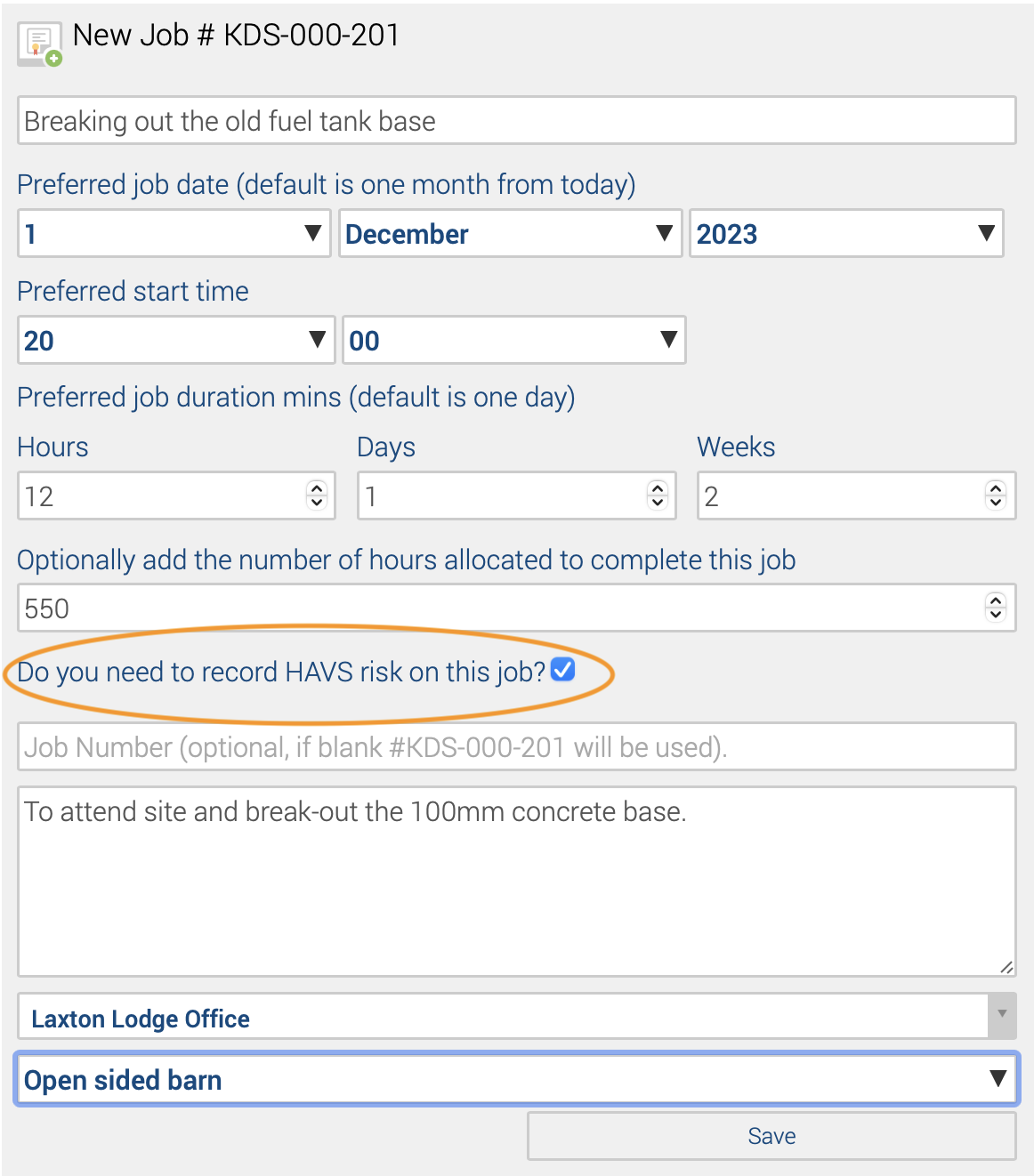
Complete all the further job details as detailed under job management
Ensure you include your Hand Arm Vibration Assessment detailing that the operating time of equipment is very short and that the EAV is not exceeded.
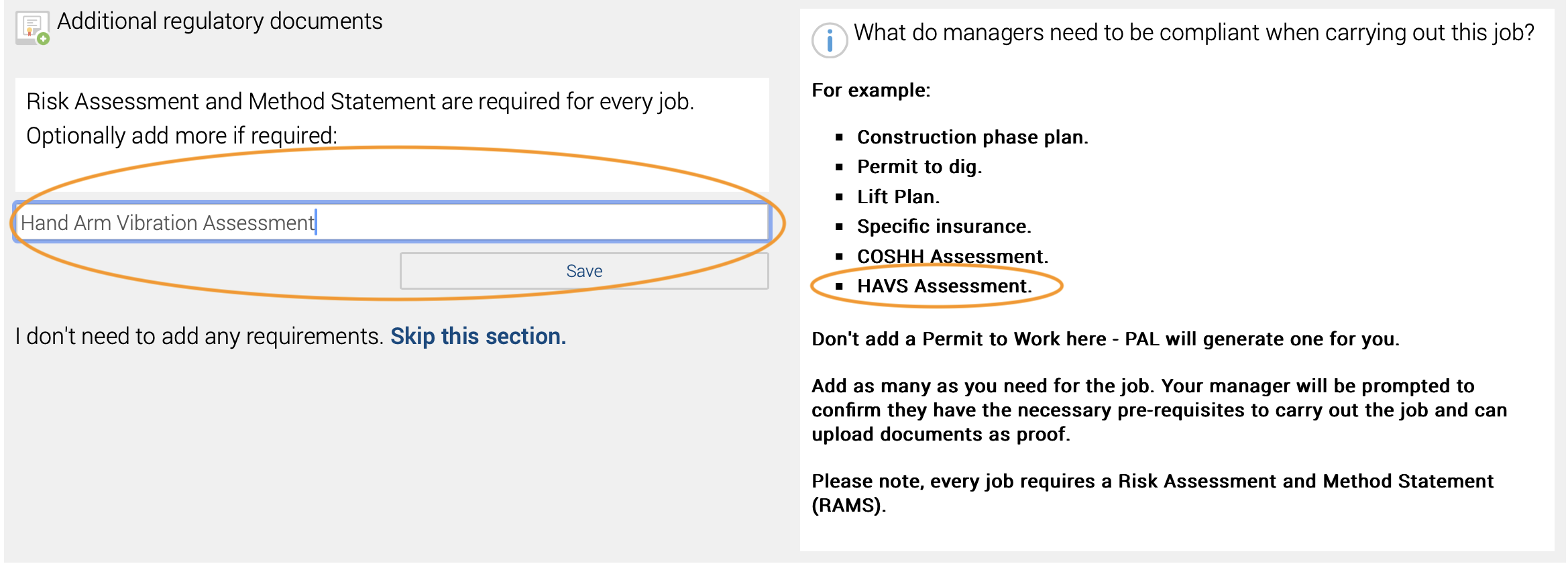
Ensure all the hand-arm vibration knowledge, information, and training have been delivered. This will be recorded in the user CPD (Continuing Professional Development) portal.
When the user logs into Safety PAL, Safety PAL will check the user has read and understood the RAMS and HAVS assessment and completed the associated training you added under the job build. If all criteria have been met, the user signs into the job and is presented with the well-being monitor.
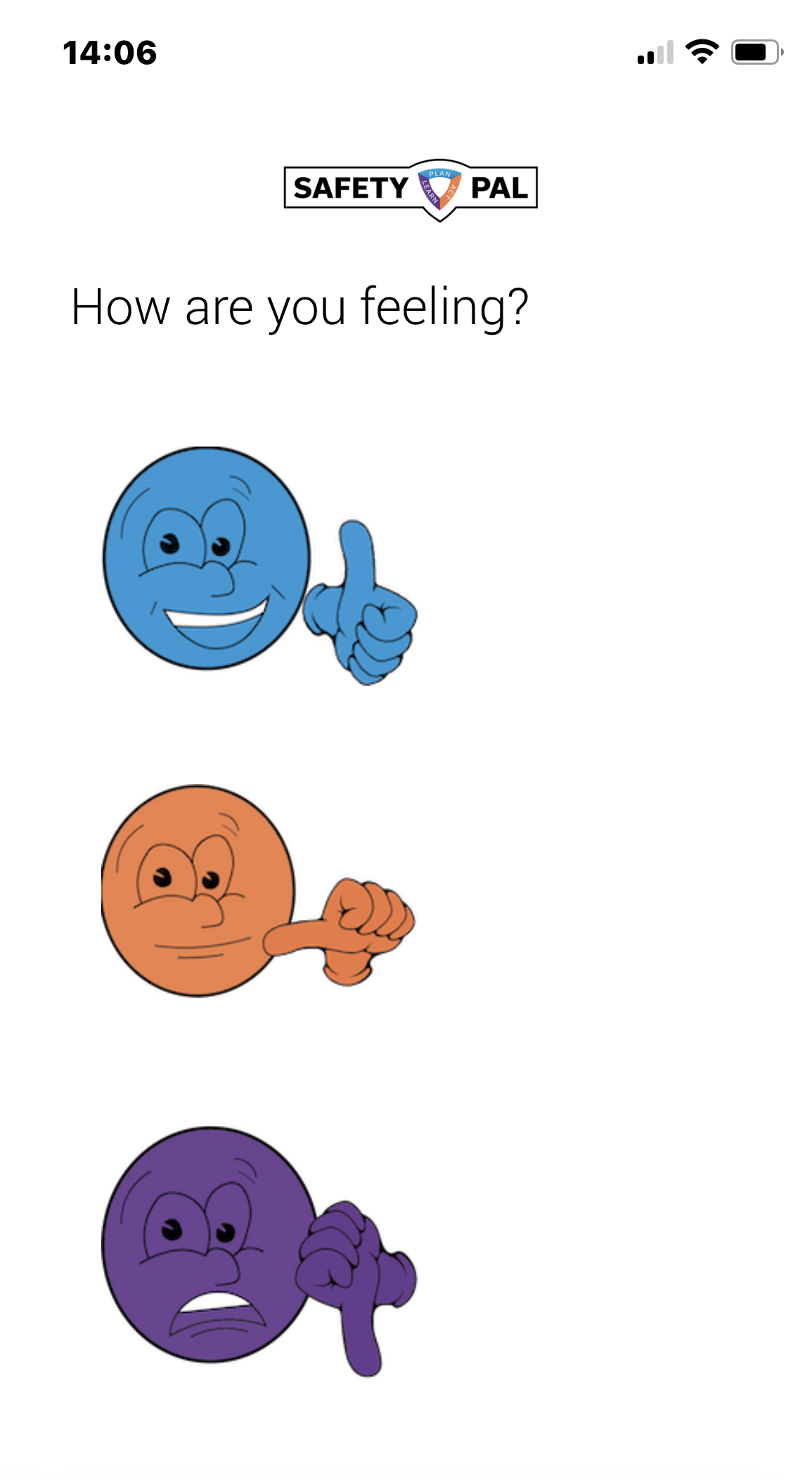
By clicking the relevant emoji, the mood will be recorded for monitoring. The user will receive the job information screen and the Start recording button.
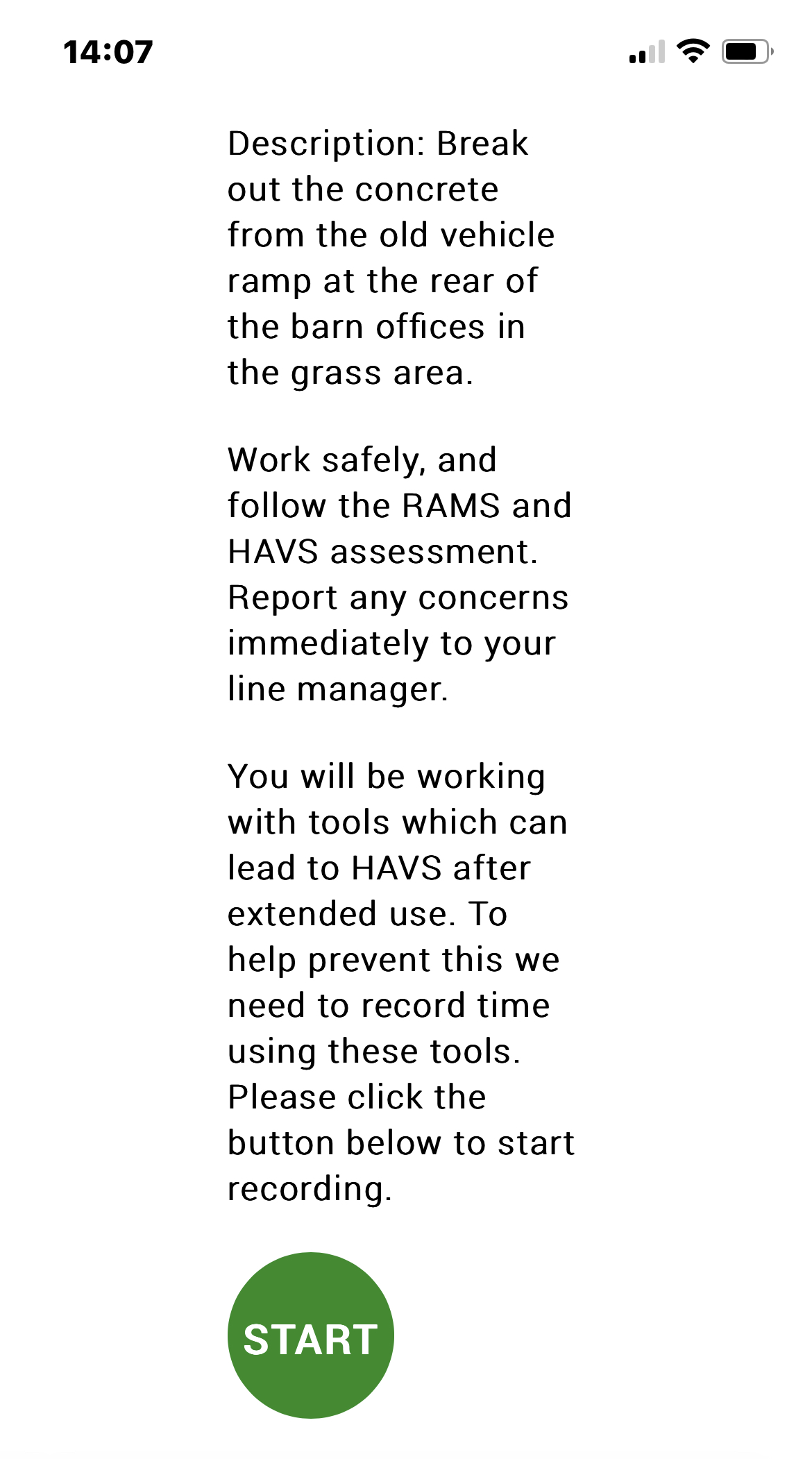
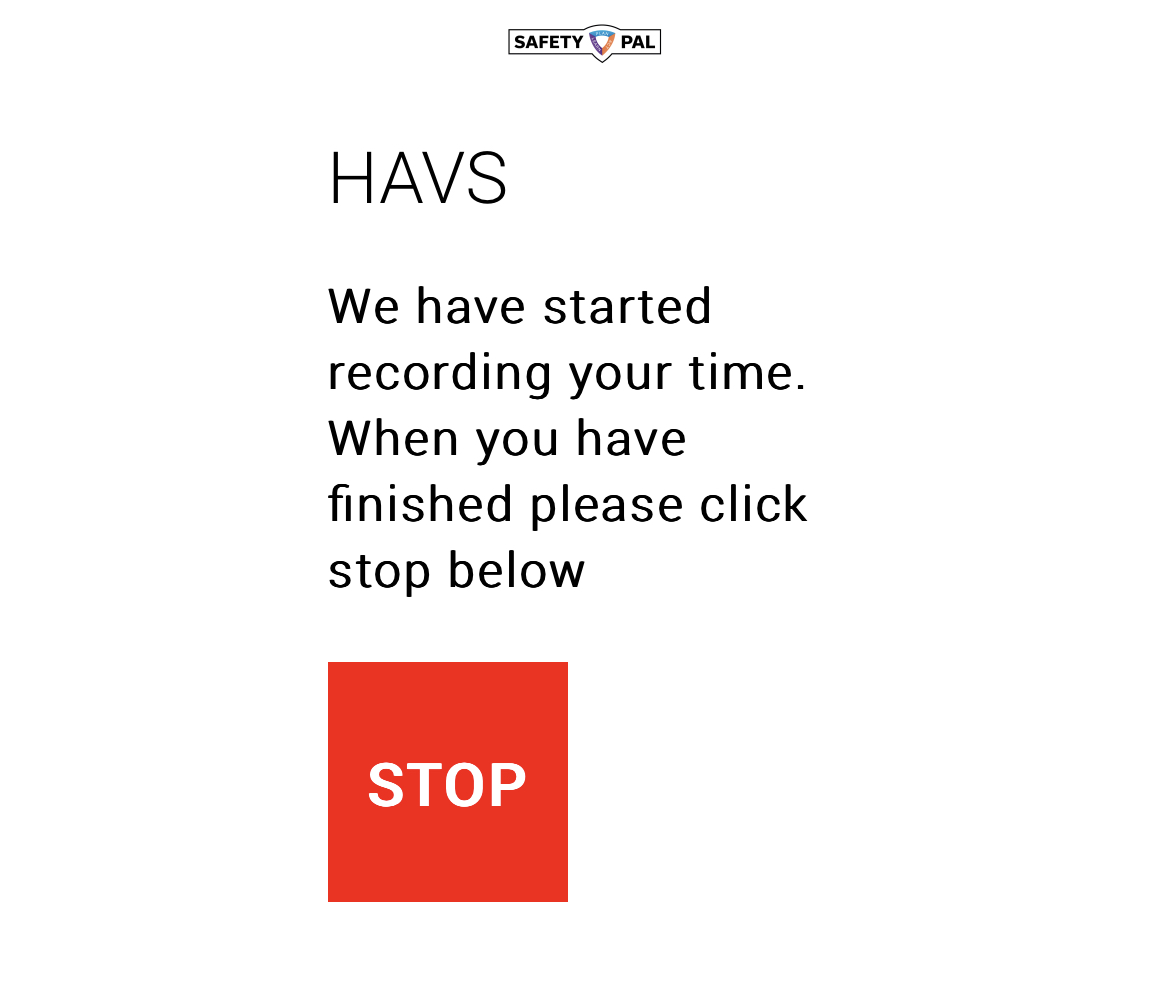
Clicking the green start button commences the HAVS timer and changes to a stop button for easy one-button control of the operating time of equipment is not exceeded.
Monitoring can be viewed from the Job Overview Screen.
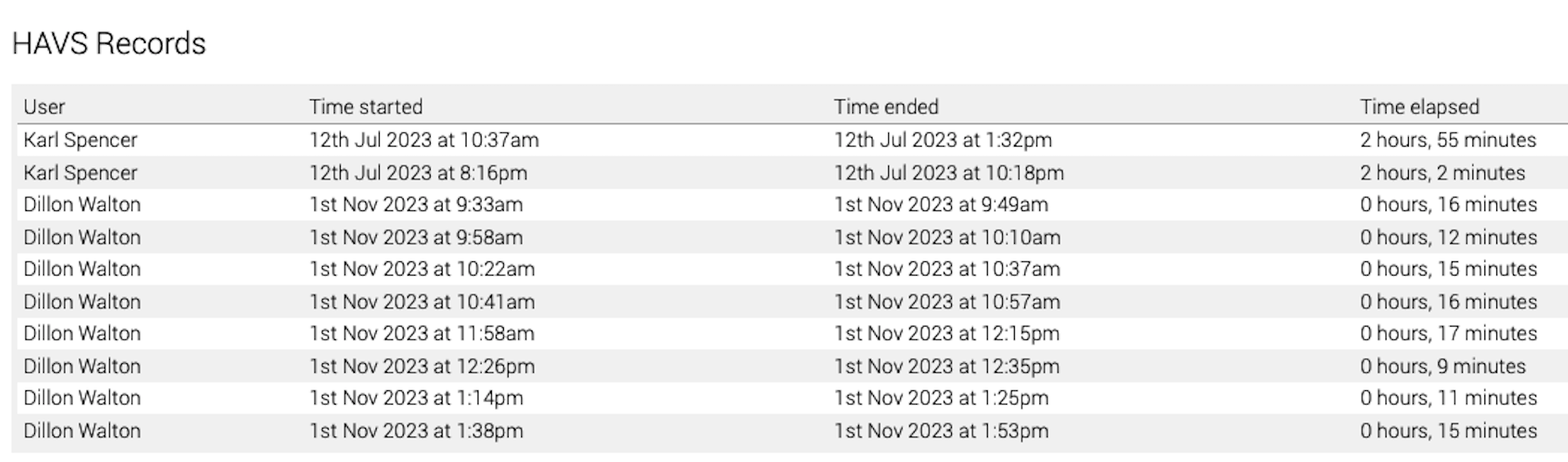
The job overview screen includes a vast amount of real-time information and historic. Low down in the overview, you will locate the HAVS records.
More information on users here
More information on Job Management can be read here.