
Adding & Reviewing Company Information
By using Safety PAL you can add all your company information required to ensure compliance. All company information is uploaded to the cloud so you have 365 24/7 access to your company information & documents.
Your company records include many documents, here are a few itemized:
- Insurances (required for supply chain job allocation)
- Equipment Certificates
- PAT Testing Certificates
- Company Accreditations
- Vehicle Documents
Add your company records:
- Click View Account>Edit Account in the left menu bar beneath the company logo
- Click Edit Account
- Scroll passed Users, Departments, and Company details to the section “Add Documents” More on adding departments here
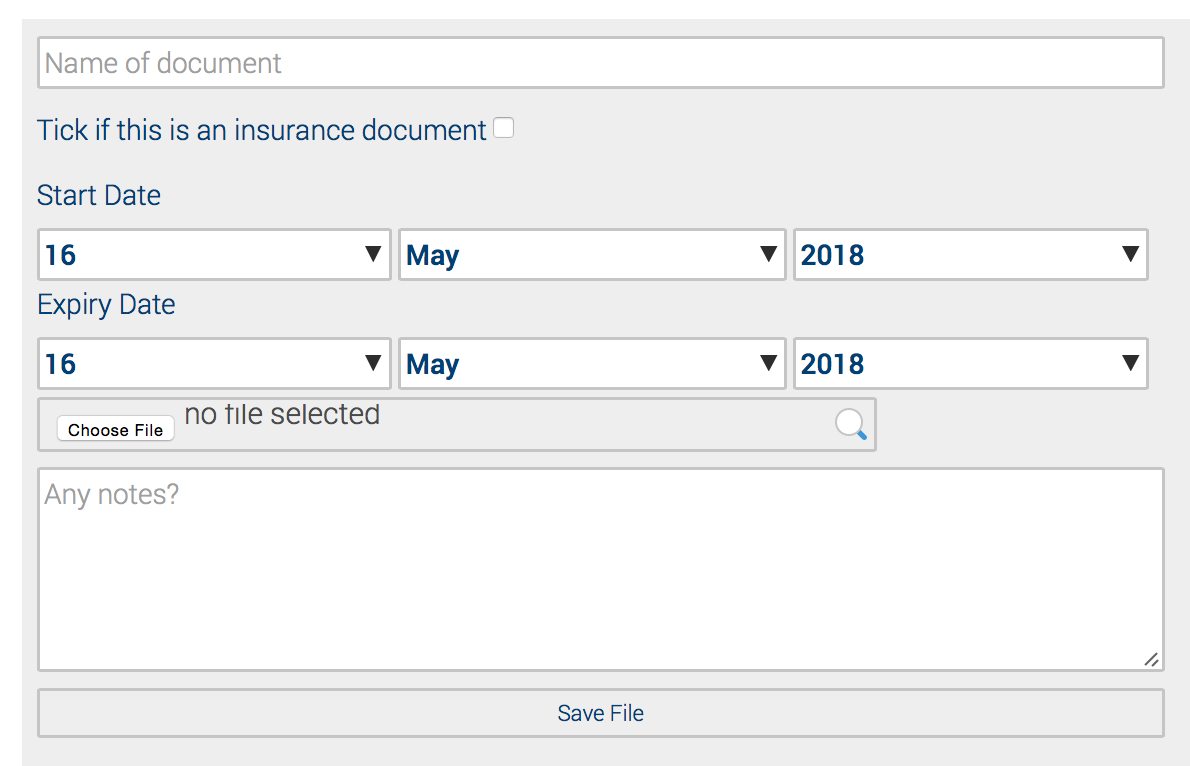
- Enter the name of the document being added
- If this is an insurance document, tick the associated box
- Select the start date and expiry date.
- Browse the file to upload.
- Enter any specific notes you feel will help.
- The expiry date is used so Safety PAL can notify you 60 days before the date of the expiry.
- Save, the record and document will show in the uploaded information box on the right.
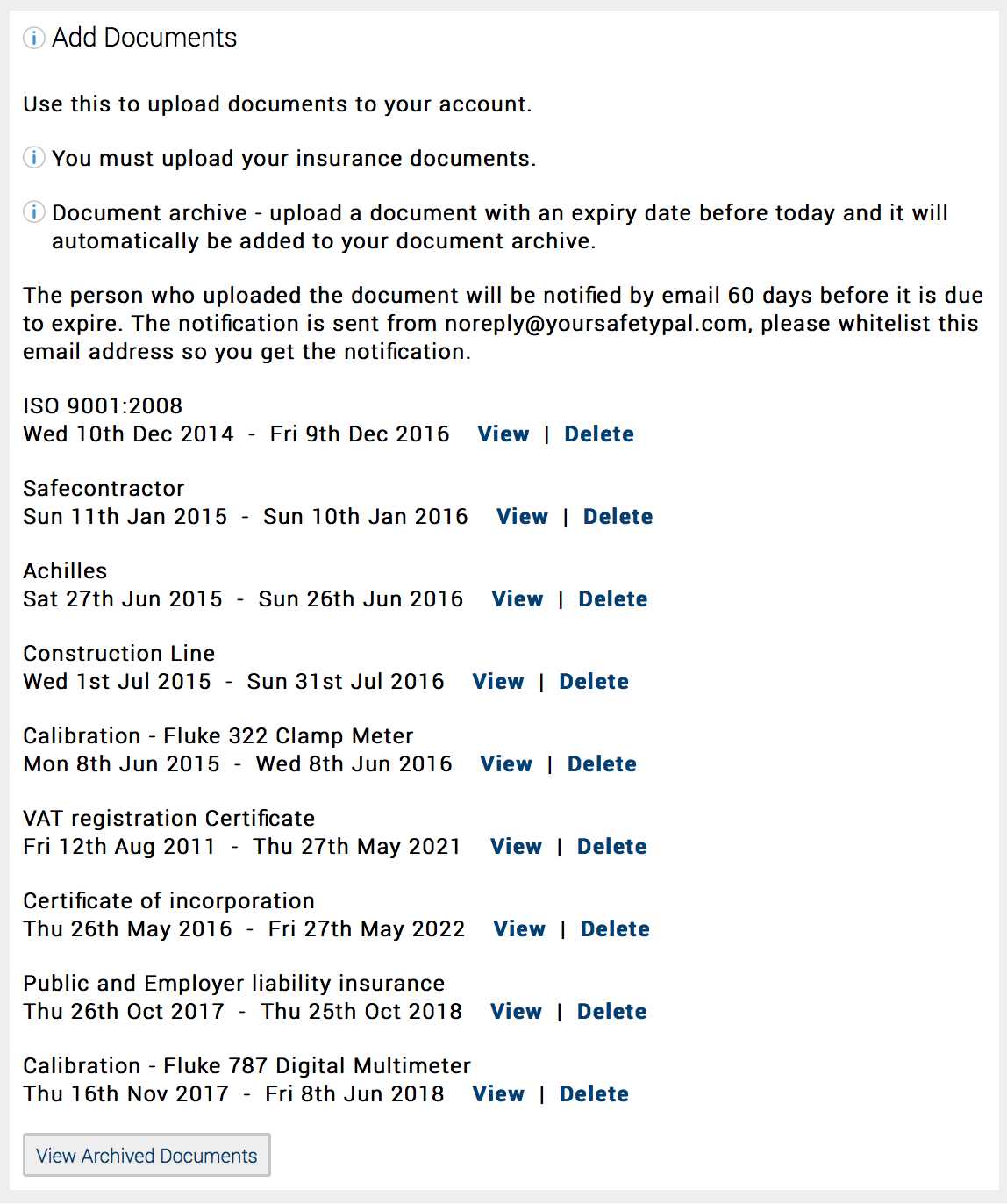
Review your company records
You will have individual “View” and “Delete” buttons and a common “View Archived Document” Button
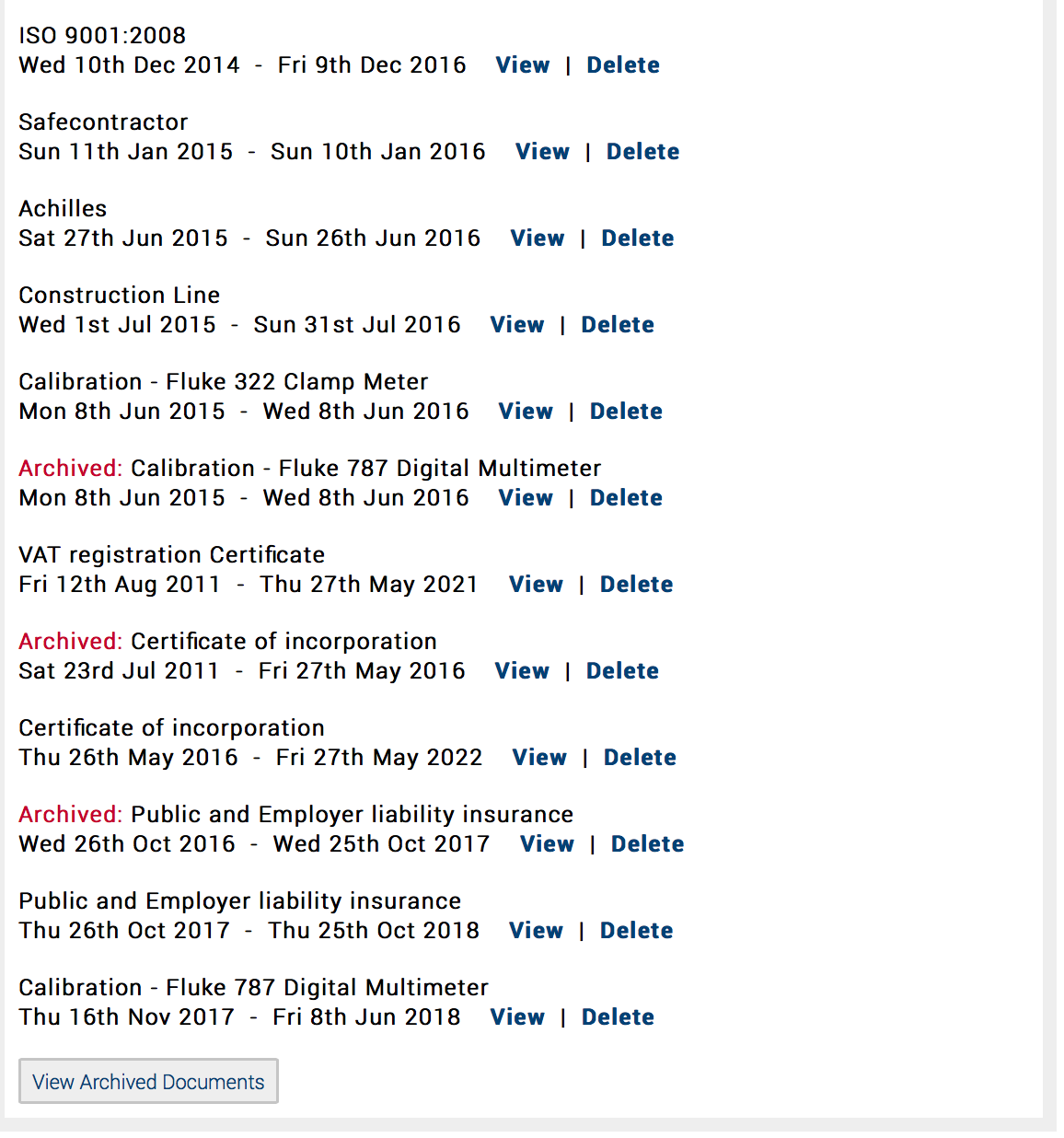
View Archived Documents
Clicking the “View Archived Document” button will expand the page to show all Archived documents
Other help articles on your Main Account can be found here