
Any users you have in your account can be Archived
Archiving a user, releases that account place for a further user which can be an employee, guest or contractor
To Archive an existing user, you will need to be an account administrator.
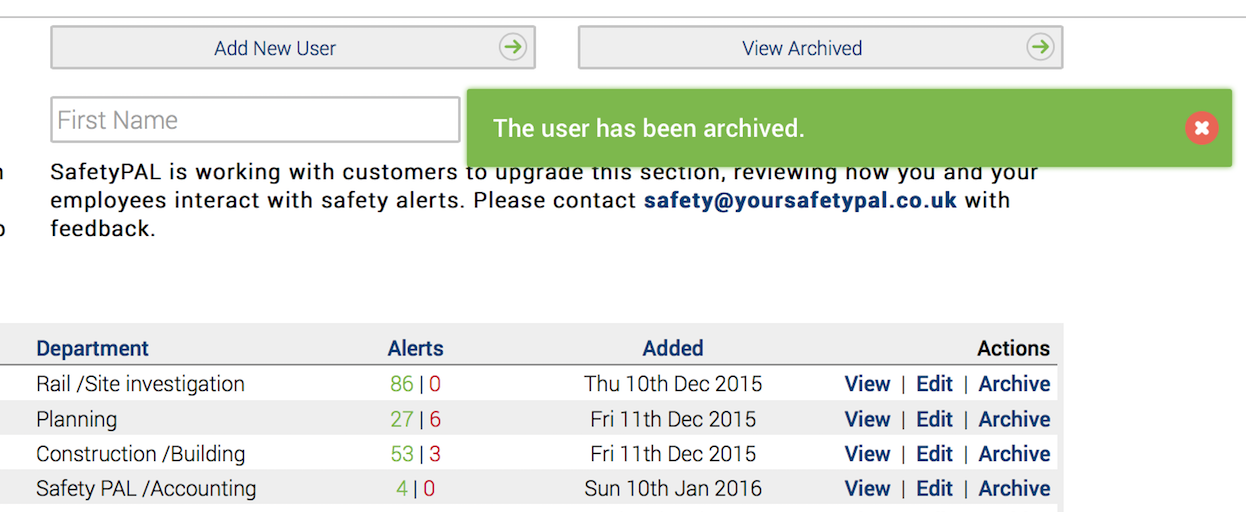
As an administrator, simply click ‘Archive’ under the main user screen to the far right of the users name.

When you click ‘Archive’, you will be asked to confirm the archiving of a user – Please note to add additional security, the archived user’s email will be amended to include an _OLD as shown in the below screenshot.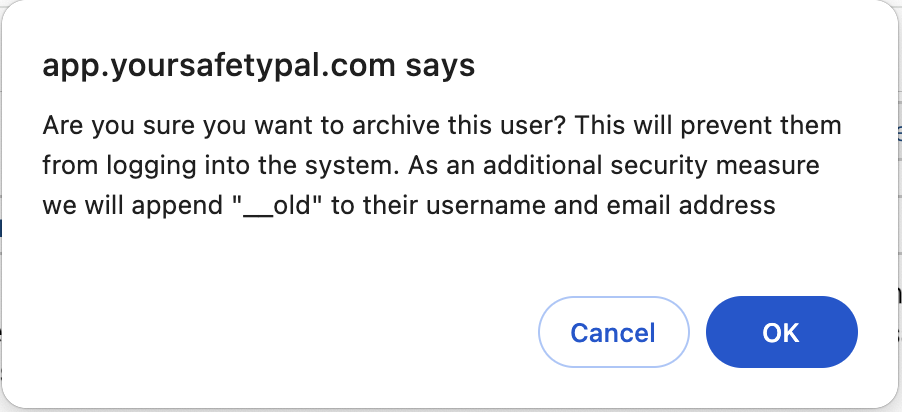
When you click ‘OK,’ you will receive a confirmation message as below. The user will now be under your ‘Archive User’ account and will not count against your subscription licence value.
If you have added Training costs, you must confirm the Training recovery cost report “yes’ or ‘No.’

To view all your archived users, under the main user screen, you can click the ‘View Archived’ button
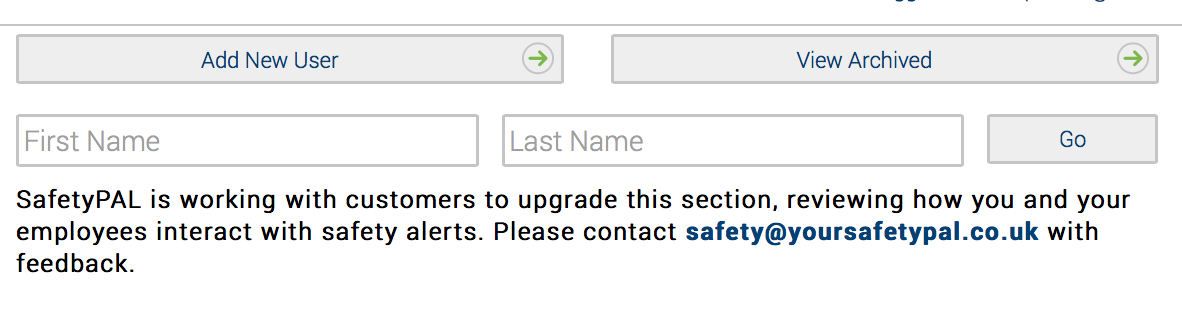
Clicking this button will reveal all your ‘Archived Users’. Here you have the option to ‘Un-Archive’, this returns the user/s to your main account and uses a subscription licence value of 1.
