
Add all your employees, temporary staff, suppliers and contractors to distribute all the H&S information required to ensure company compliance.
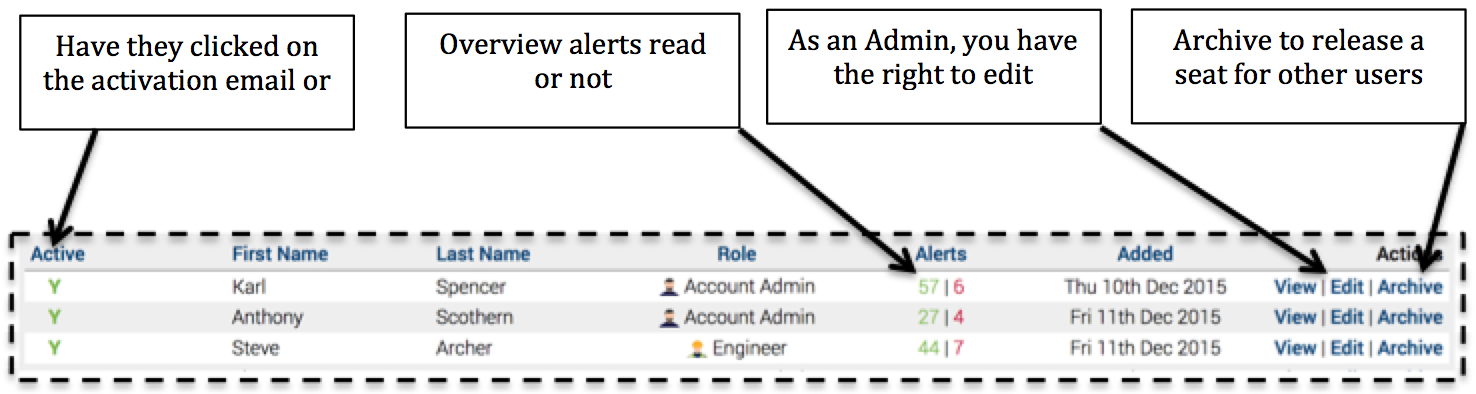
On the left menu and click ‘Users‘ will take you to the users overview
To Do List
All users have an individual ‘To Do List’ where Safety PAL brings together all important and essential information in one easy place.
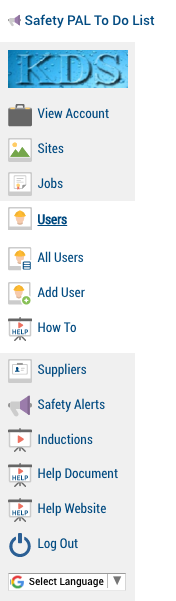
If you are viewing Safety PAL on a phone from the app link, you will see a link to your ‘Safety PAL To Do List’ in the top left hand corner as shown here.
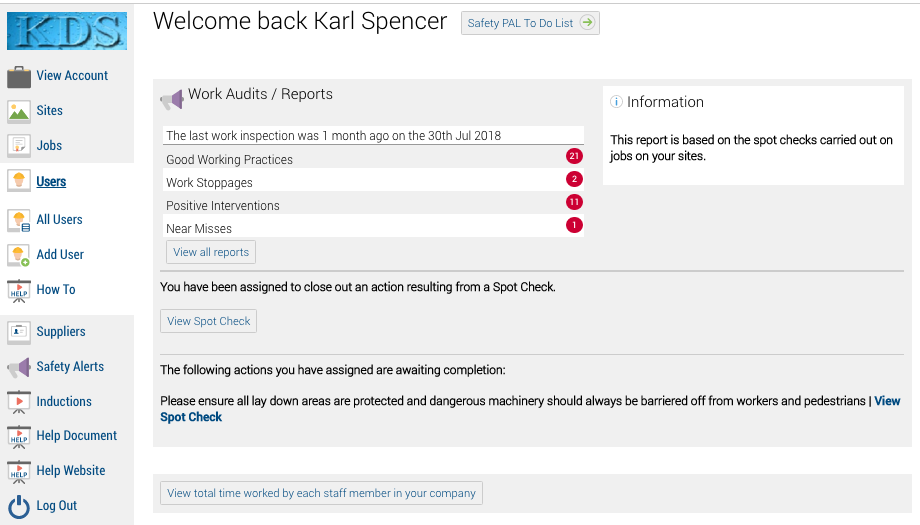
From a tablet or PC, your ‘Safety PAL To Do List’ will be shown on your dashboard as shown below.
Clicking on the ‘Safety PAL To Do List’ will take you to your list shown here
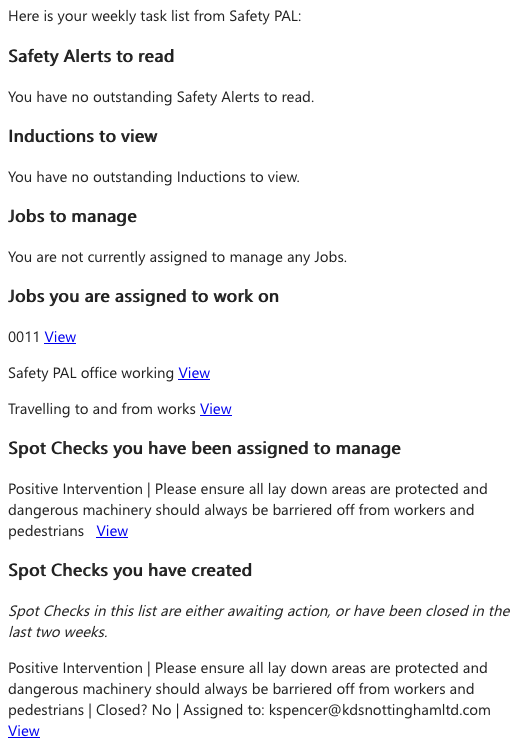
Remember, all data and requirements can change as new information is posted, this is why you have an option under your user account settings to receive your To Do List as a weekly email.