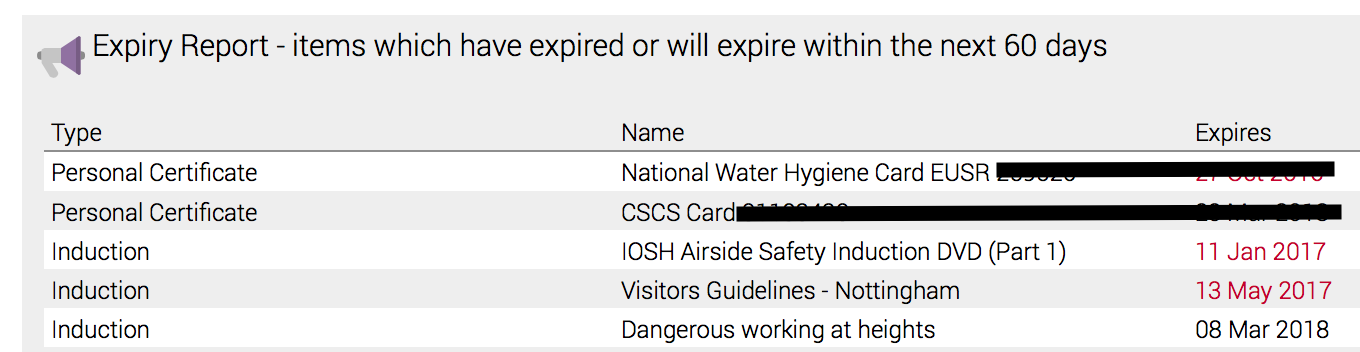
You can create an expiry report with Safety PAL
How To:
Click View Account>Expiry Report
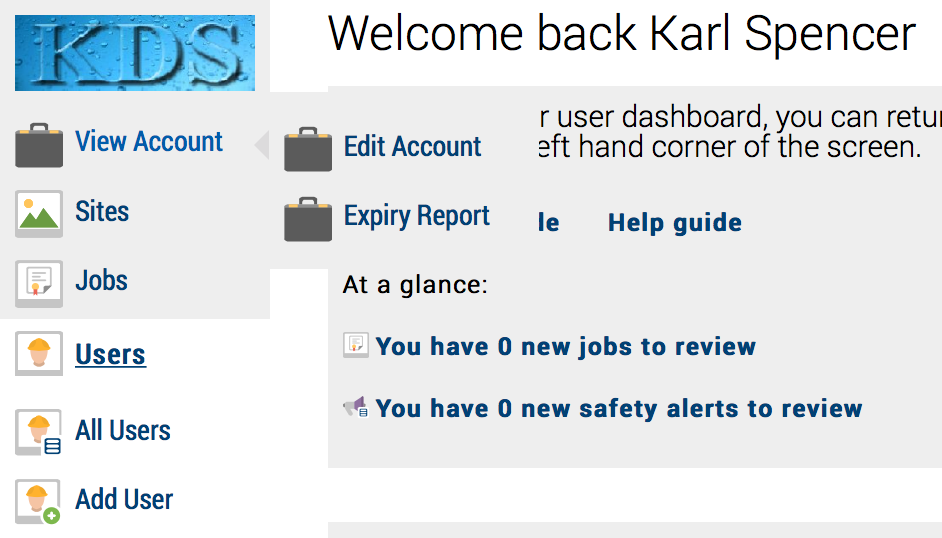
Clicking ‘Expiry report’ will take you to the report selection screen.

Click
- Expired – this will create the ‘Expired” report
- 30 days – this will create the ‘items expiring in 30 days” report
- 60 days – this will create the ‘items expiring in 60 days” report
- 90 days – this will create the ‘items expiring in 90 days” report
Your dashboard also includes by default a 60-day expiry screen