
Draw zones; add hazards upload photos and or PDFs, all to make the workplace safer and the worker smarter. Getting this essential information in front of the worker pre attendance to the site is imperative in creating a better safety culture and improving worker performance.
 Click Sites in the left menu bar to take you to the Sites page.
From the Site page, on the right-hand side of the site descriptions, you will find view and edit. Click view and edit to edit your selected Site.
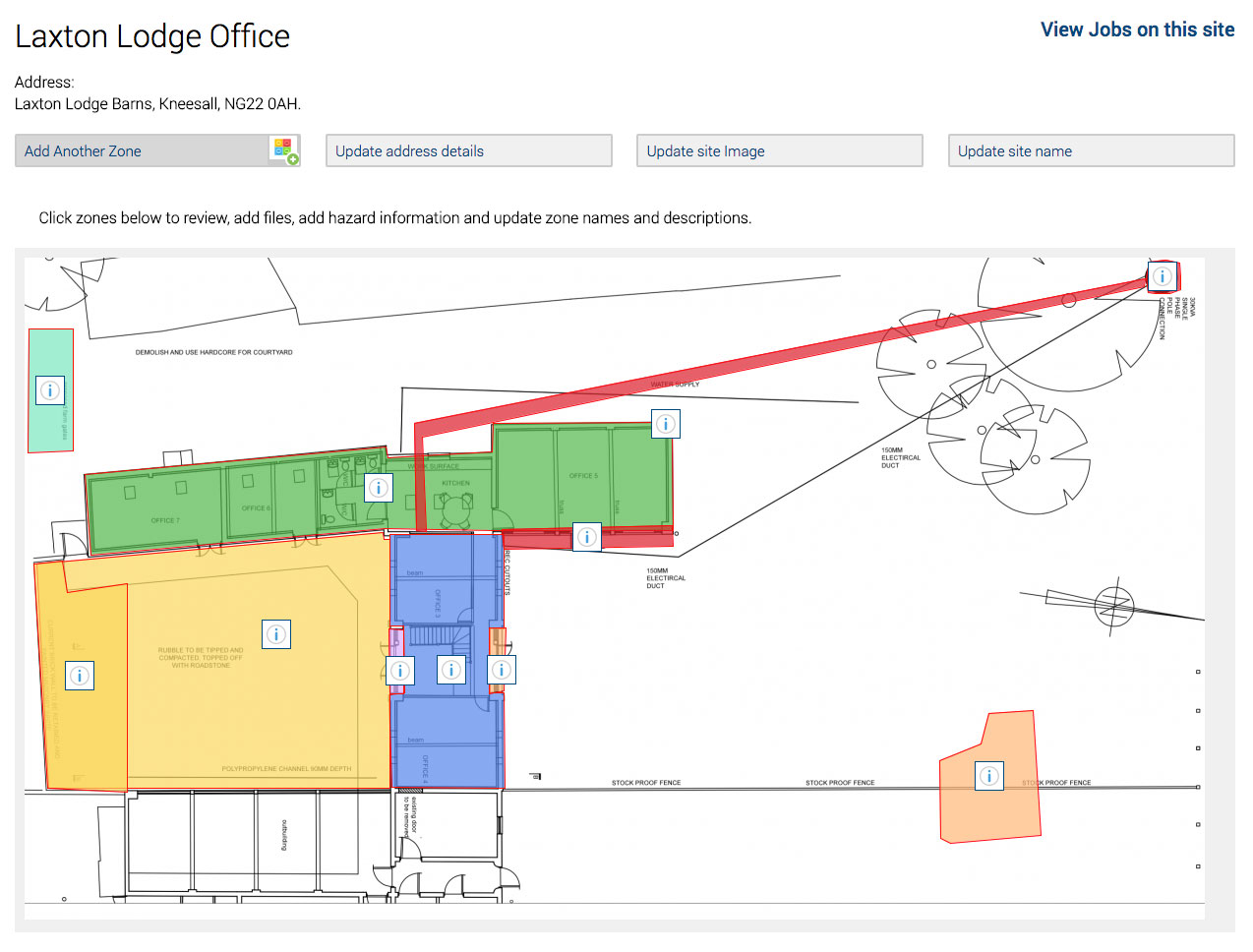
The site name and address is firstly detailed, then navigational and edit buttons are displayed on the top of the page.
On the top right-hand side of the site page, you can click on ‘View Jobs on this site’

This will display any workers signed into jobs on your site. You can see more about Jobs on Site here.
How to edit a Site
If you need to add more information, add zones, include photos, images or add/remove specific hazards and area awareness.
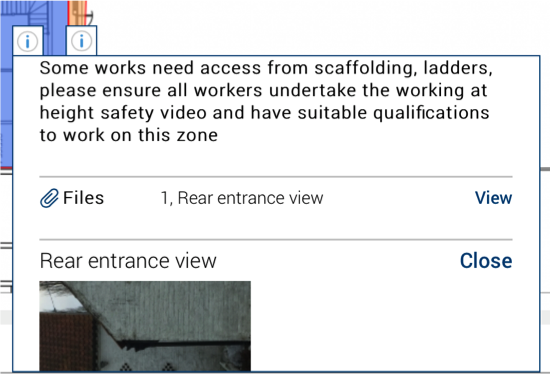
Clicking on the individual files, Safety PAL reveals photos and or images you uploaded under the editing section of the site.
You can upload site equipment images, assessment reports, job drawings, asbestos reports. The list is endless, but the result is a safer smarter worker
If you want Safety PAL to create a site for you, please email us at safety@yoursafetypal.com