
NEW Safety Bulletins
Safety Bulletins are different to Safety Alerts, in that they do not require the user to ‘Read and Understand’ and there is no option to ‘Requesting Further Training’
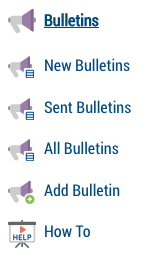
Adding A New Bulletin
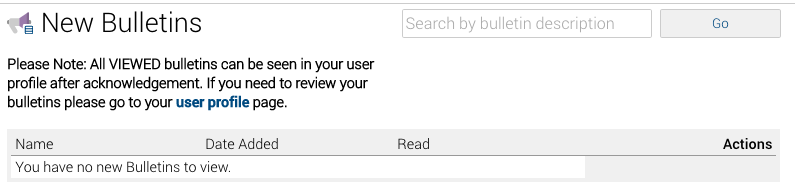
The new bulletin page will show you any outstanding bulletins you to be downloaded and read.
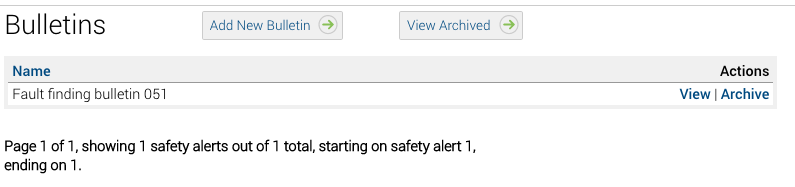
Sent Bulletins
All sent bulletins in your account are shown when you click on the Sent Bulletins link
‘Add New’, ‘View Achieved’ and ‘Archive’ buttons are all included for maximum benefits
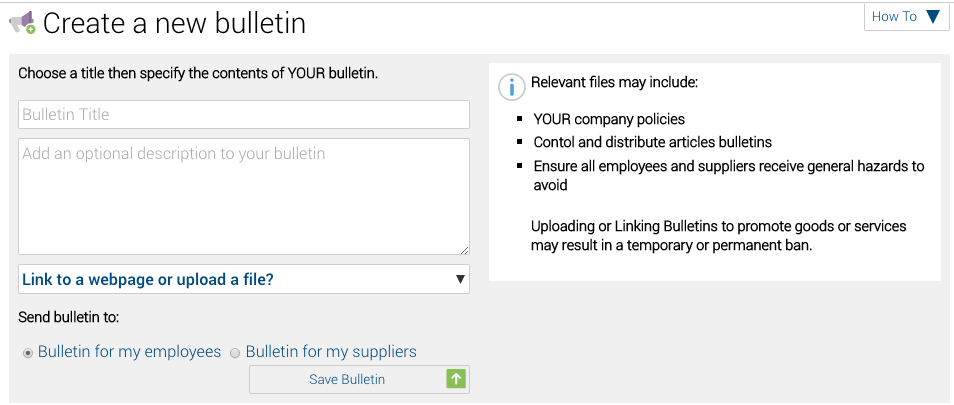
Add Bulletins
Simply enter the title of your bulletin and a short description (Optional)
Use the selection box to upload a file or link to a webpage.
Lastly, select who you want to receive the bulletin, then click Save Bulletin
The user(s) will receive an email telling them they have a bulletin on Safety PAL to read. This outstanding bulletin will also be shown under the user To-Do List
Read Bulletins
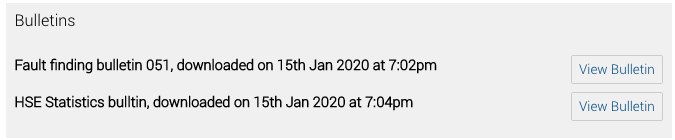
All read bulletins are shown at the bottom of the user profile page
The bulletin is date/time stamped and includes a link to View Bulletin again
Other help on the distribution of documentation can be found here