
If you have multiple suppliers you need to add, Safety PAL allows you to bulk upload your suppliers by importing a CSV spreadsheet.
Setup your CSV file
Using Excel or a similar spreadsheet program, organise your suppliers’ information in the following columns:
- First Name
- Surname
- Company
- Email Address
- Telephone Number (Optional).
Save your spreadsheet as a CSV file. Refer to your software’s documentation if you are unsure of how to do this.
Importing the CSV file
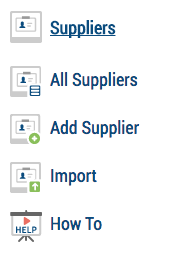
In Safety PAL, click Supplier from the left-hand menu and then Import from the sub-menu.
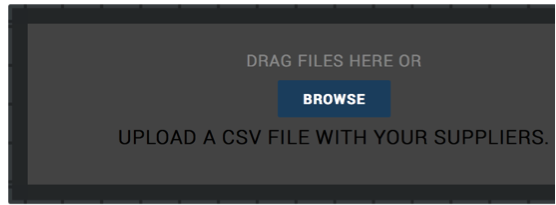
To add your CSV file, either click Browse and locate your CSV file on your device and upload, or drag and drop the file over the grey area of the import page.
Safety PAL technical support team are here to help you set up your company. Please get in touch for assistance at safety@yoursafetypal.com.