
Adding a link on your Apple or Android device to your home screen.
For Apple devices
Open the webpage https://app.yoursafetypal.com
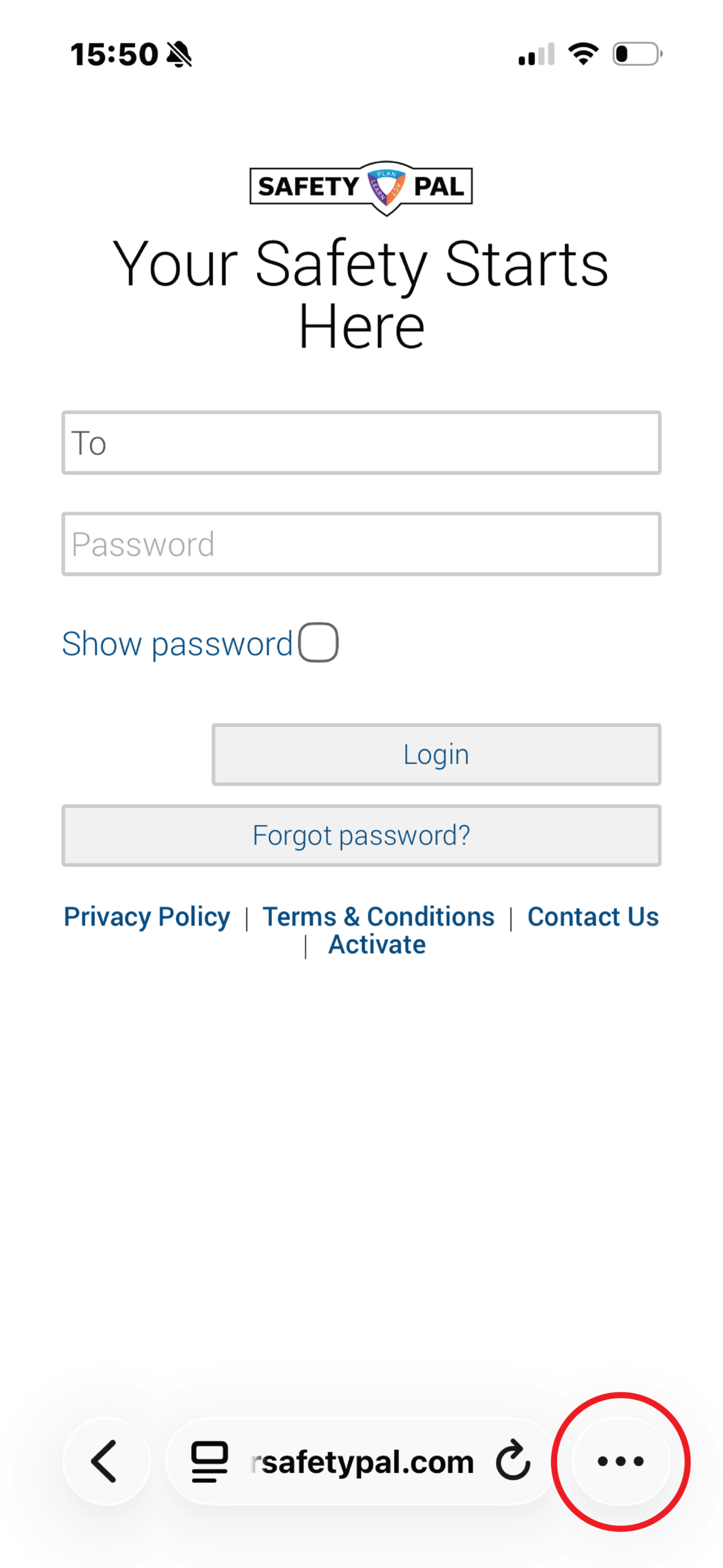
Tap the 3 dots icon
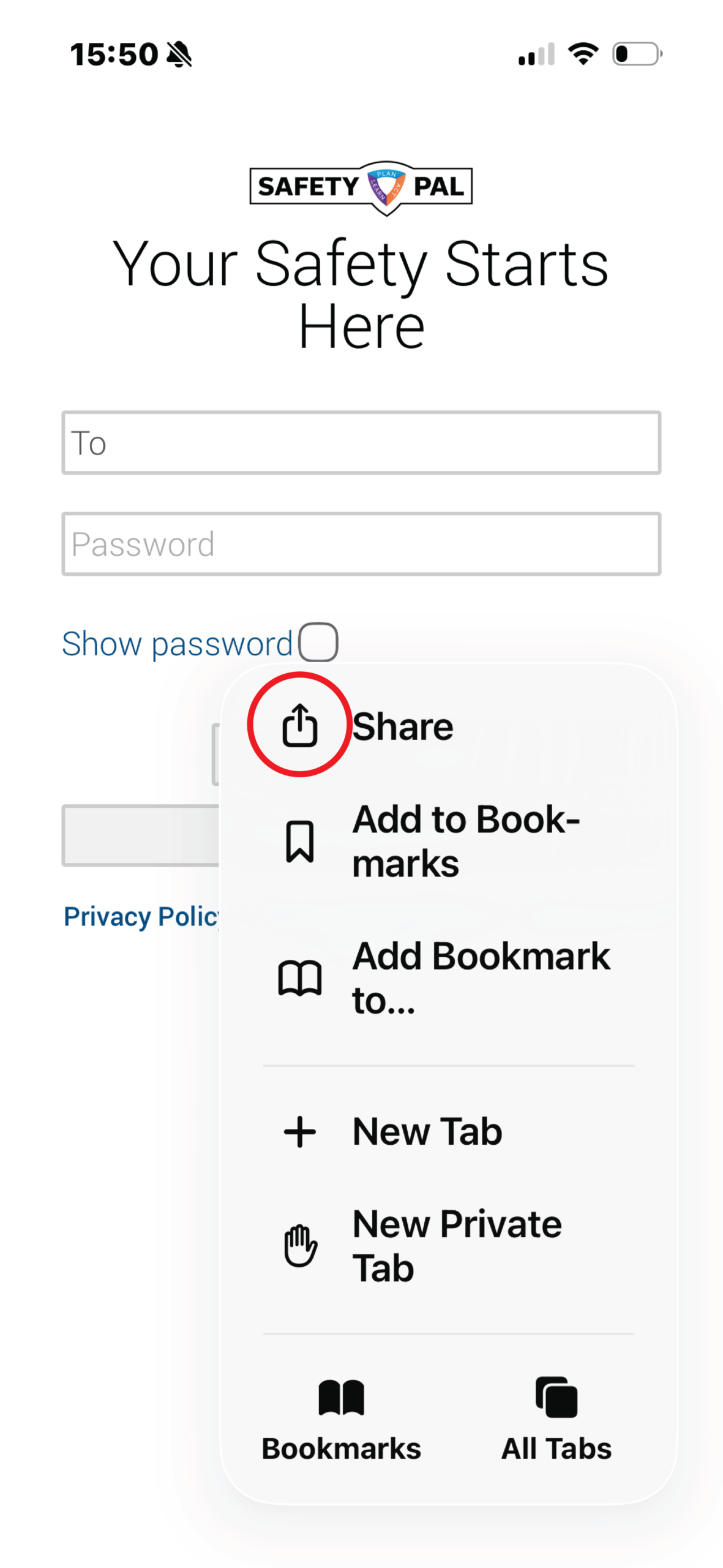
Click the share icon.
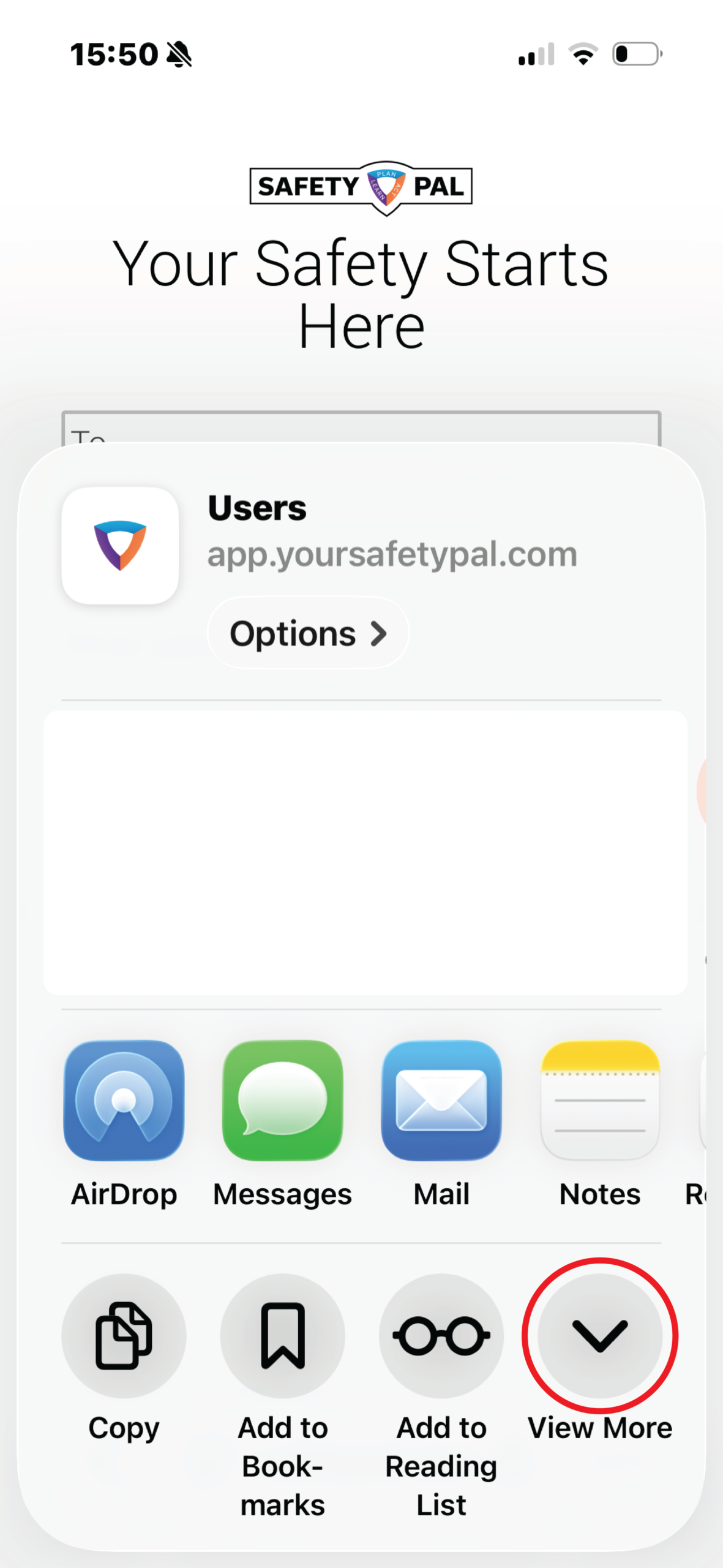
Click the View More icon.
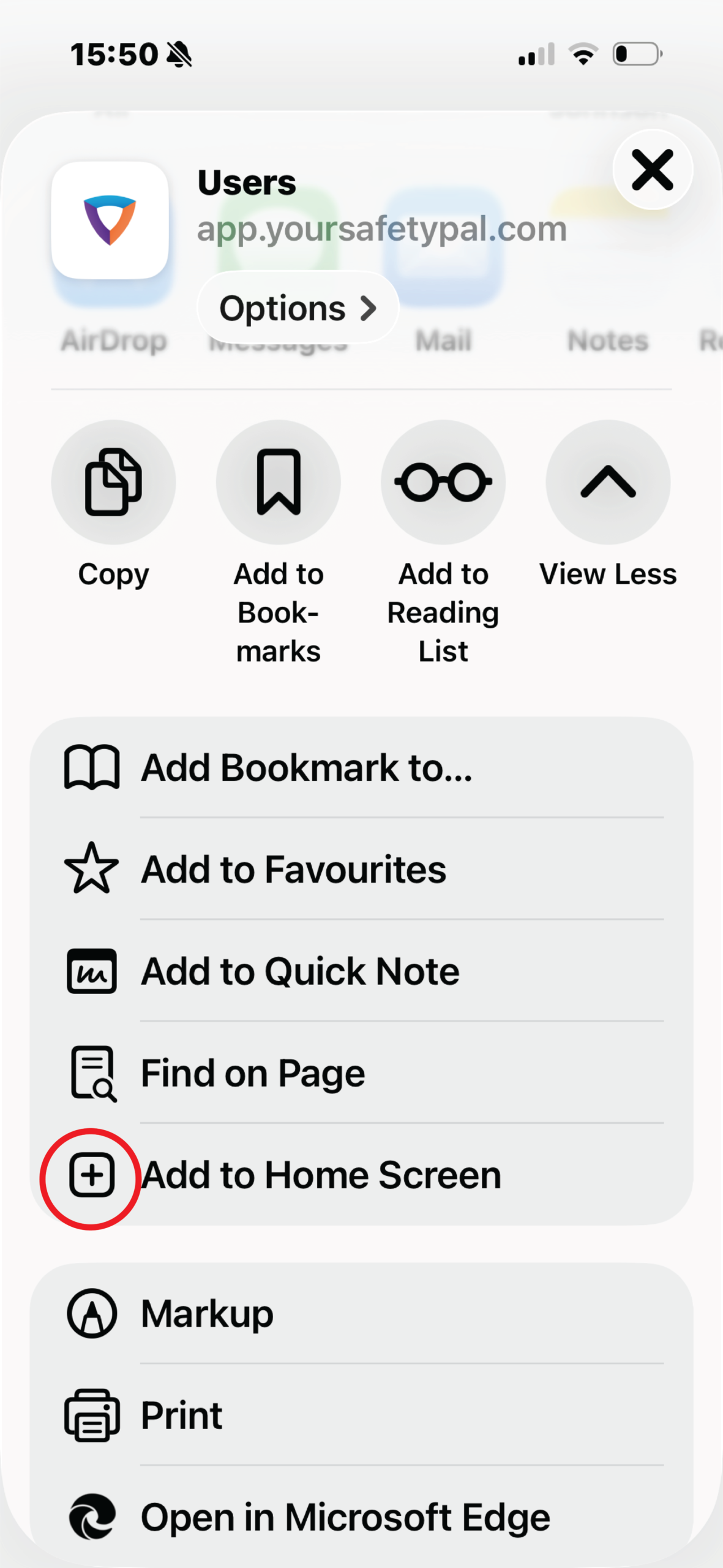
Click Add to Home Screen
Change the shortcut name
See the shortcut appear
For Android devices
Open the webpage https://app.yoursafetypal.com
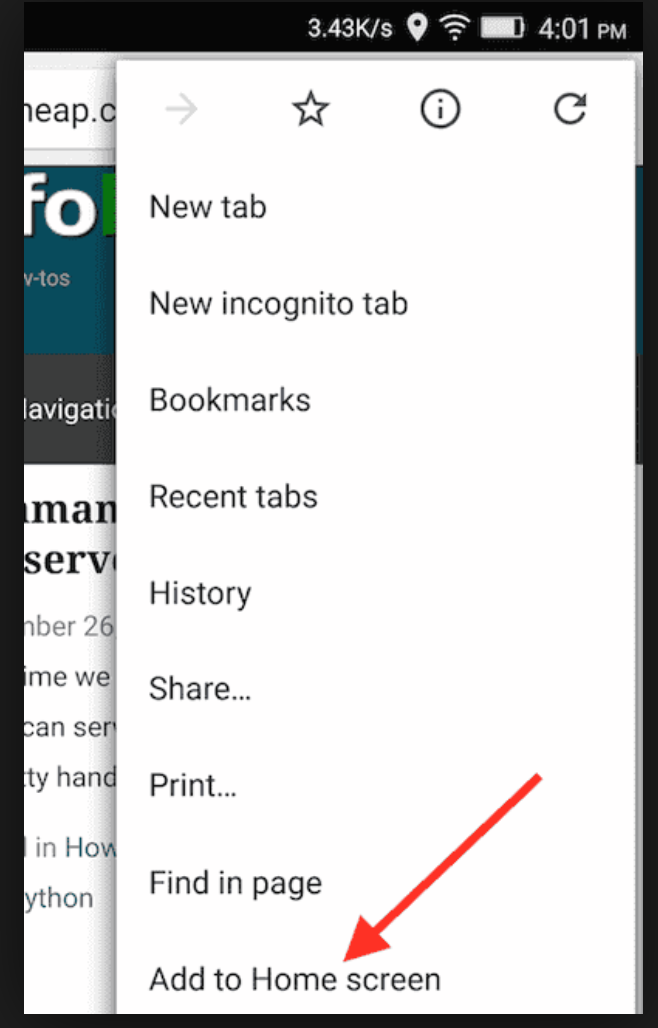
Press the Menu button
Tap ‘Add to Home screen’
See the shortcut appear
More user training here