
Stock Requests and Issuing
This module is an addition to the standard Safety PAL product.
Check other pages related to stock reports – Stock Management and Stock Reports
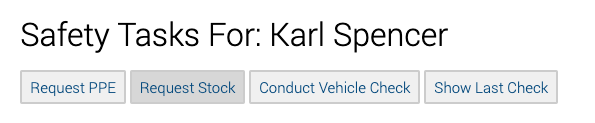
From the user’s Safety PAL To Do List, use the Request Stock button.
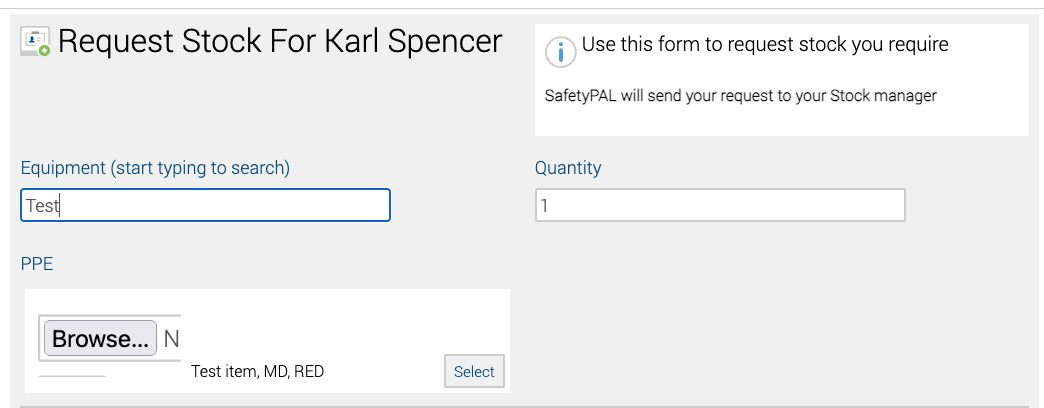
The request stock page will allow users to select a product and enter a quantity (Images will show if added)
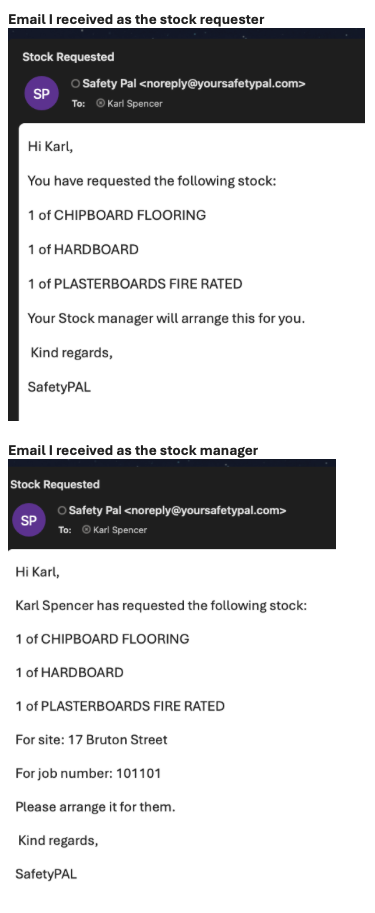
All stock requests are forwarded to the Stock Manager, and you, as the requester, will receive an email detailing the request.
Important note: Please complete the request as accurately as possible by entering the job number, site name, etc., as this will assist the stock issuer.
Issuing Stock:
On your dashboard, under Business Reports, you will see the button ‘Stock Requests’

This will take you to the real-time report page.
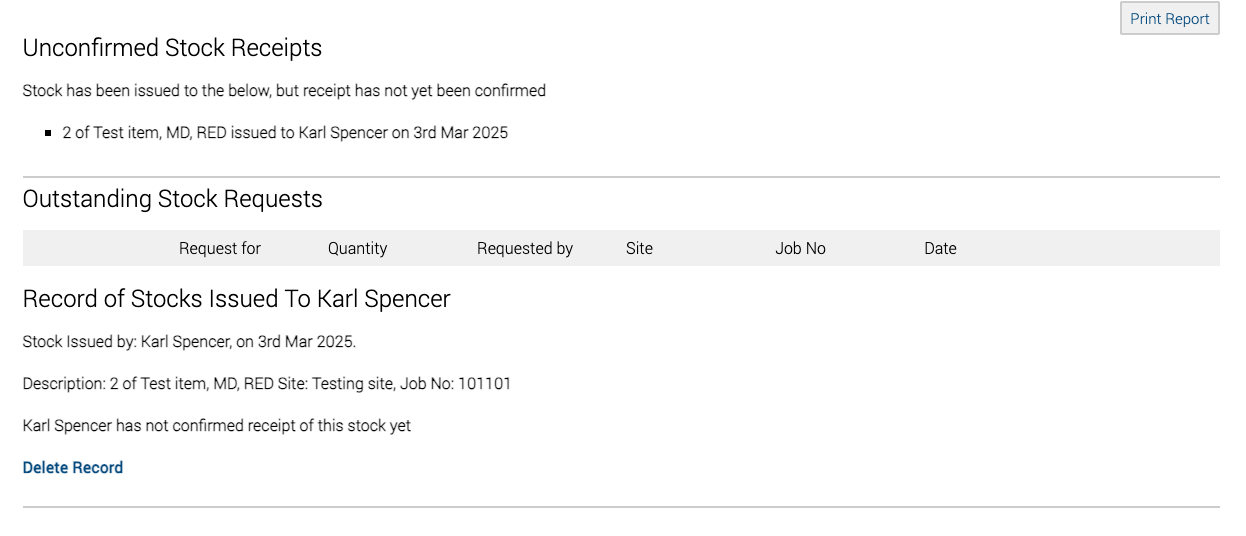
You will see new unconfirmed stock requests, outstanding stock requests, and stock-issued records from here.
Email notifications and confirmations
You and the issuer will be updated on the process from the point of request to issuing and receiving.
Other stock management help pages can be found here.