
Manage Category Preferences
Users Chosen Safety Alert Categories
Each user has the option to select specific categories relevant to their requirement and role in your organization.
As the categories are ticked, you can save them, the selected categories will move from left to right. Select as many as you require, these can be changed at any time.
The categories are used for internal alerts also alerts where other companies are posting incidents, accidents, or helpful information helping you learn from others.
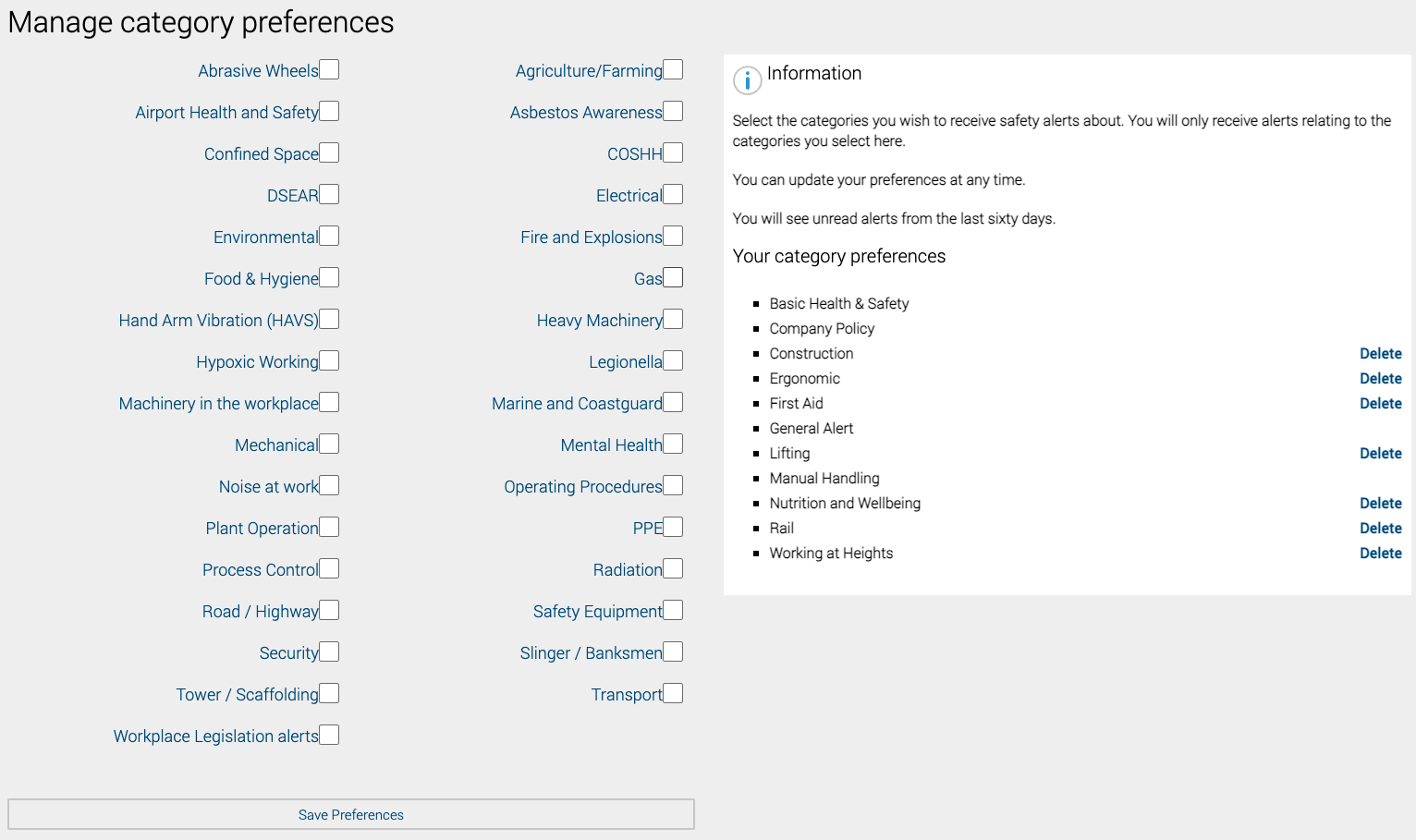
The right-hand side of the image above shows the chosen categories specific to each user in Safety PAL.
Once all your users have been added and safety alert categories selected, you can distribute all your required health and safety documentation to the entire team, simply and more efficiently.
Distributing company information could not be easier.