When a worker Signs IN to a job, the operations manager added under the job build phase receives an email notification
“you have a worker arrived on site”
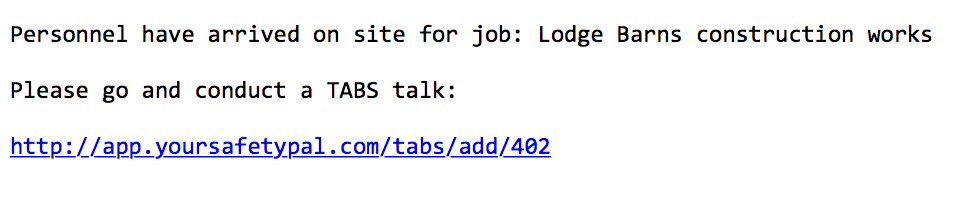
Notification
You now have the ability to complete a TABS (Talk And Be Safe) talk, in order to complete the final checks before work commences.
Use the link in the email or you can use the ‘TABS’ button on the Live Jobs screen

Conduct a TABS talk
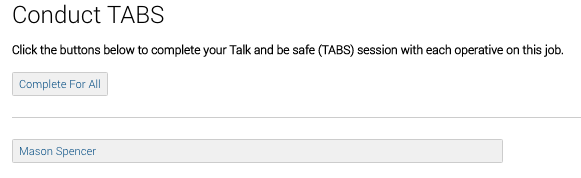
When you have clicked to complete a TABS talk, Safety PAL will show you all the workers who have signed in to that job.
If you have 1 worker you will see a single button name if 10 workers have signed in you will see the ten name buttons. Use the ‘Complete for all’ button or select the individual.
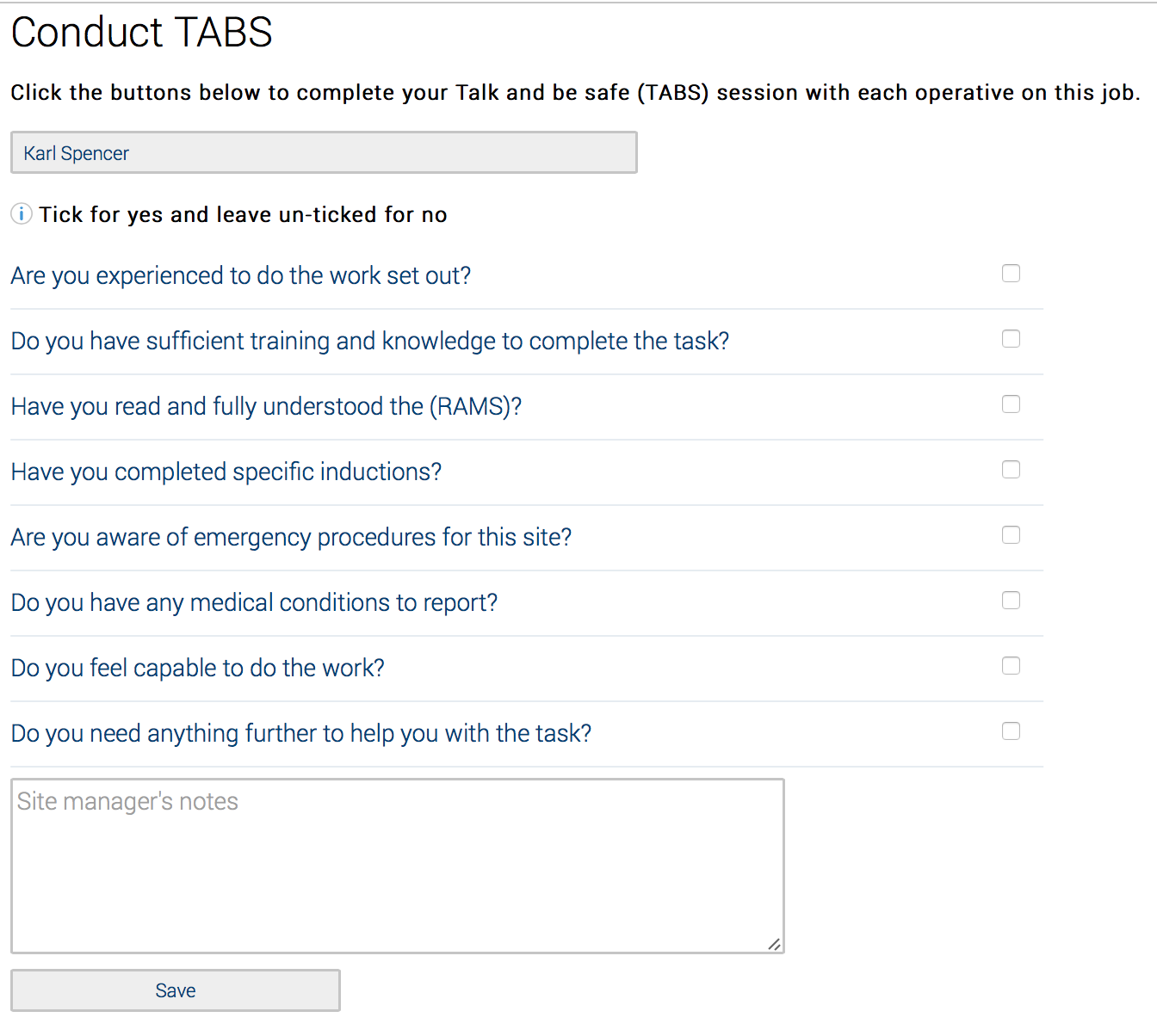
The TABS talk questions
Ask the questions and tick the representing box to confirm YES or leak blank for NO
Other workers
Click on the worker’s names in order to complete all workers TABS talks
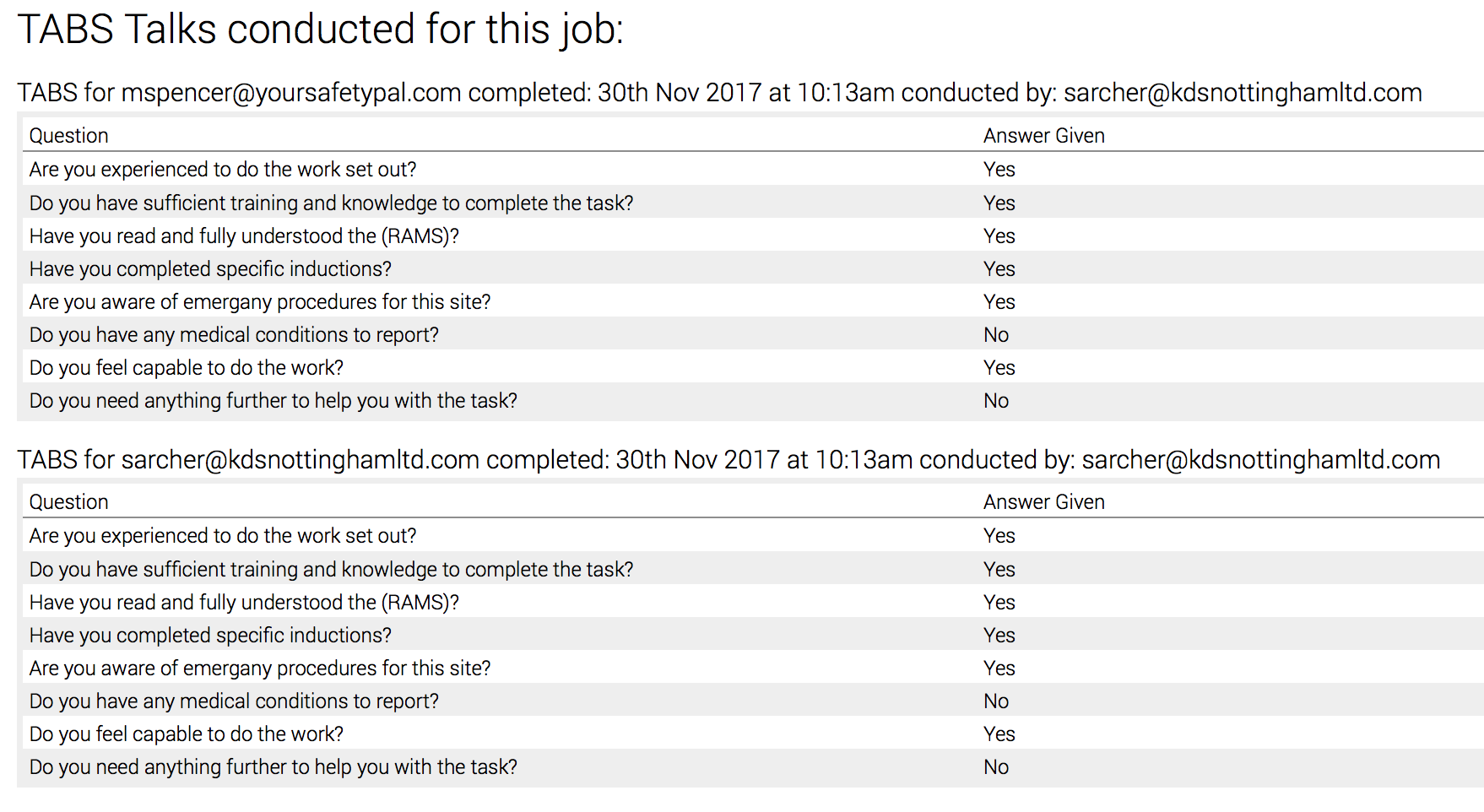
Job Overview
Every time you complete a TABS talk, the date-time stamp results are added to your job overview.