
Our Audit and Reporting tool is your guide to measuring health and safety performance.
Measuring health and safety is not easy and there are no simple answers, our tool allows you to complete Audits on all your LIVE jobs.
Here you can see the most recent time and date a work audit / report was completed in your company.
Any member of your team completing a:
- Good Working Practices
- Work Stoppages
- Positive Interventions
- Near Misses
This section will automatically update…
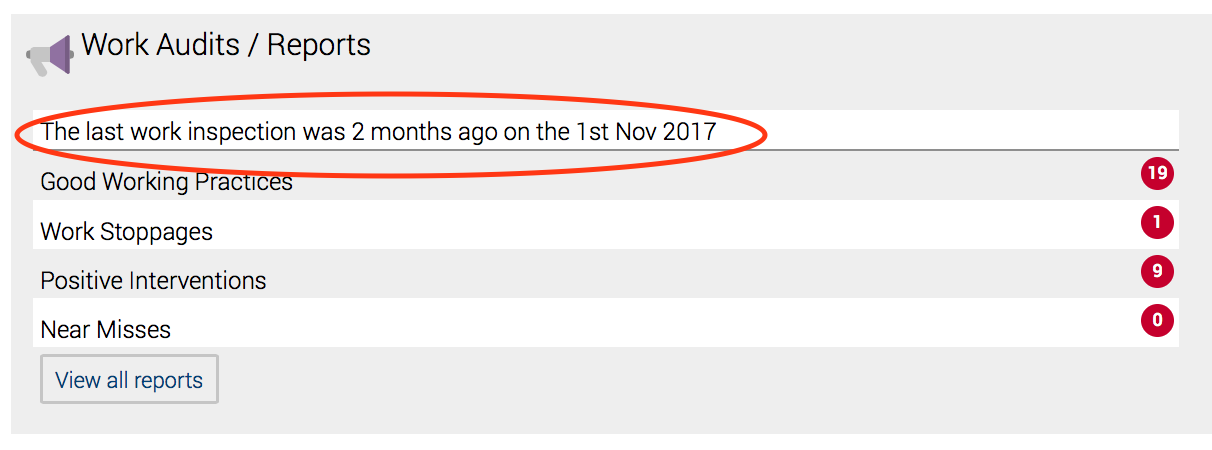
If you have this screen below on your dashboard, you will note you can’t complete an audit / report as you have no users signed into any jobs!
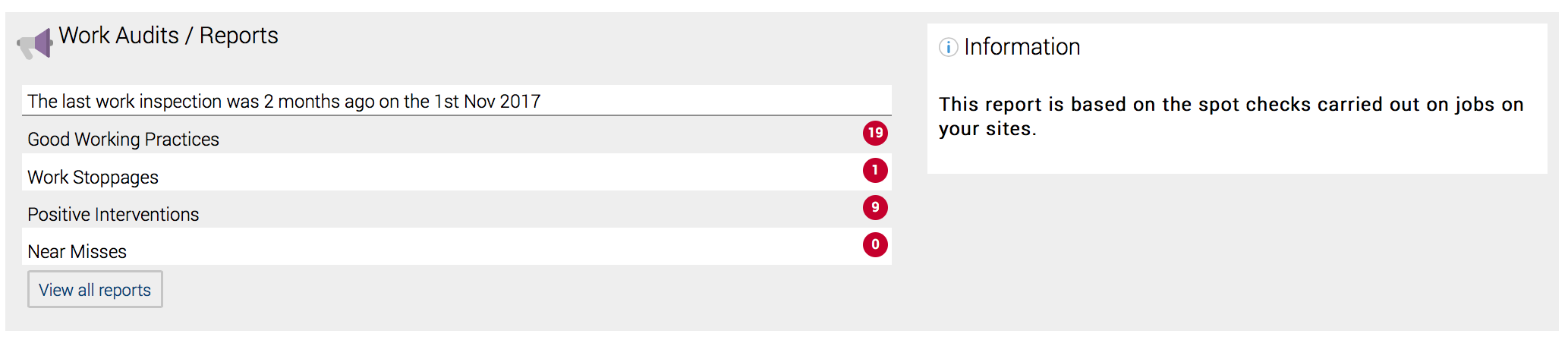
Once you have a worker signed in to a job, you then will have the option to select which job you want to complete the audit on.
Use the pull down box to select your job
Click on any red circle to take you directly to the report page
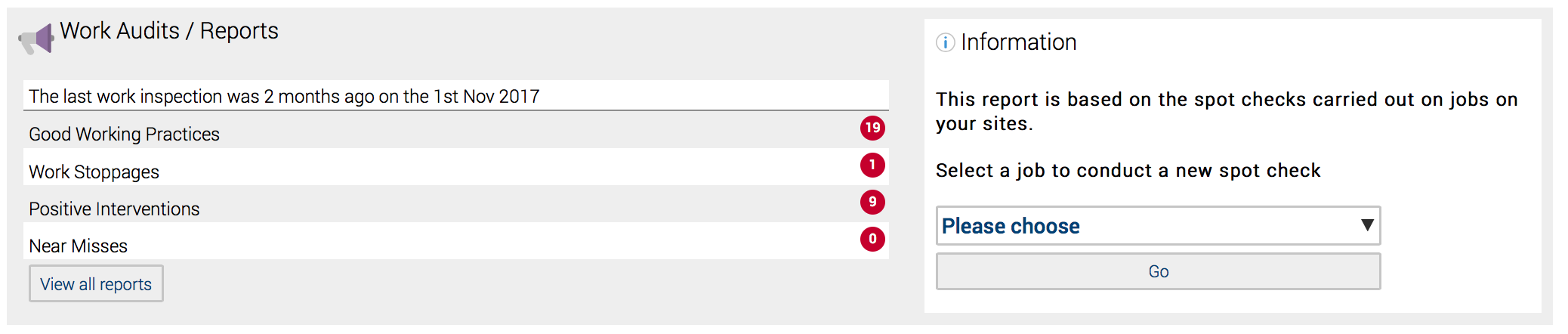
At anytime you can click on “View all reports” and you will be taken to all your audits
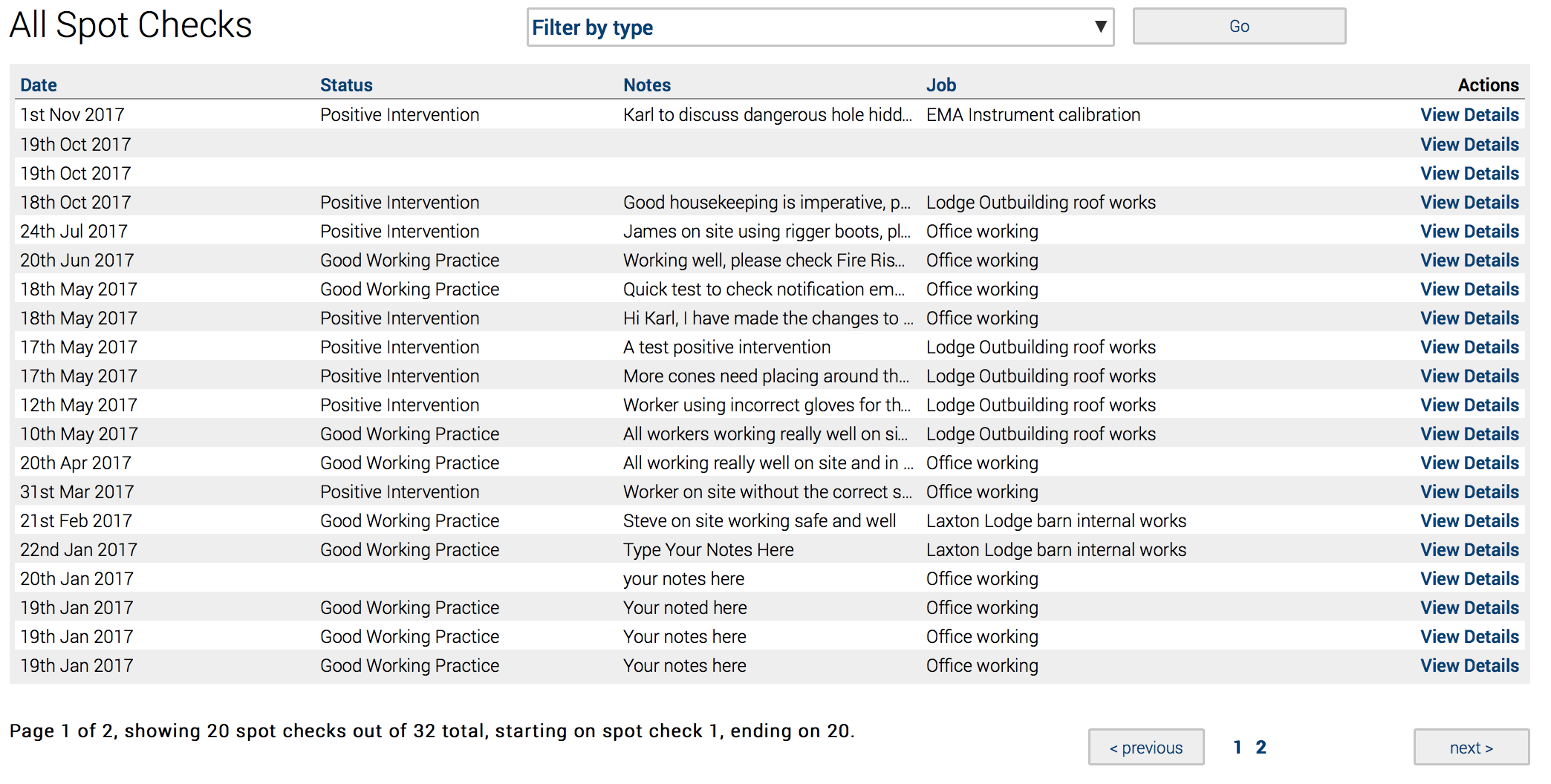
On the report page, you can filter out:
- Good Working Practices
- Work Stoppages
- Positive Interventions
- Near Misses
Clicking on the ‘view details’ will take you to that audit
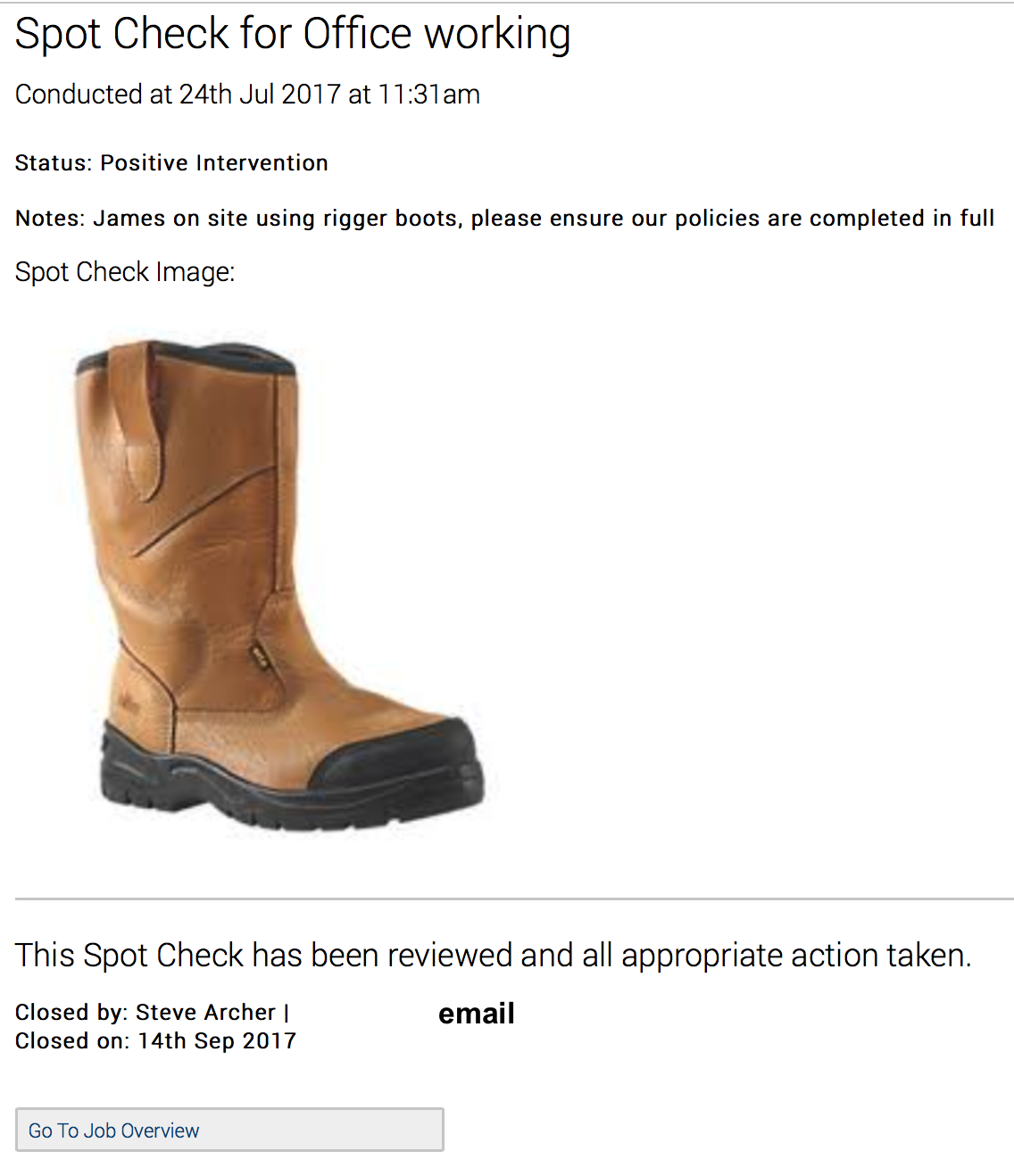
All audit details and uploaded images are shown, also the details of the user with date/time stamp when the audit was created.
To fully ensure compliance, the person who has been assigned to close out the spot check has the option to add a photo or file (as shown below) and closure notes to prove closure.
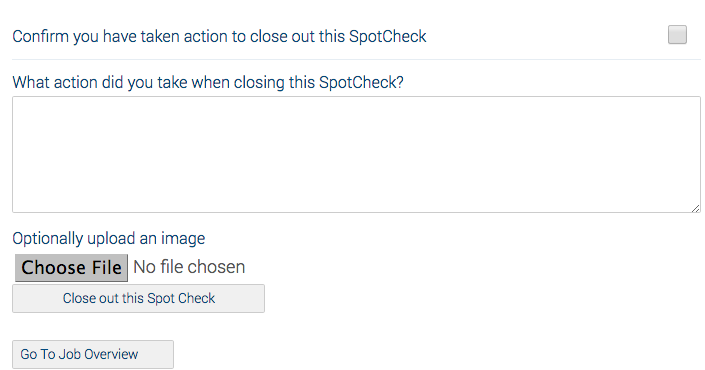
All audit details and uploaded images are shown, also the details of the user with date/time stamp when the audit was closed out.
If the report is still open, the users dashboard section is dynamic and will show on their dashboard ‘You have an audit to close out”
Lastly, you can proceed to the job overview, this link take you to the job overview page for the job this audit was completed on.