
This is your dashboard. In the top right corner, you’ll find your language settings and a quick button to return to your dashboard. You can also access your dashboard by clicking your logo in the top left corner. Next, there are help pages, followed by your profile and company information. On the left side, there’s your menu. Each day when you log in, you’ll be greeted with your name, the date, and the time. To the right of this, you’ll see your quick actions.
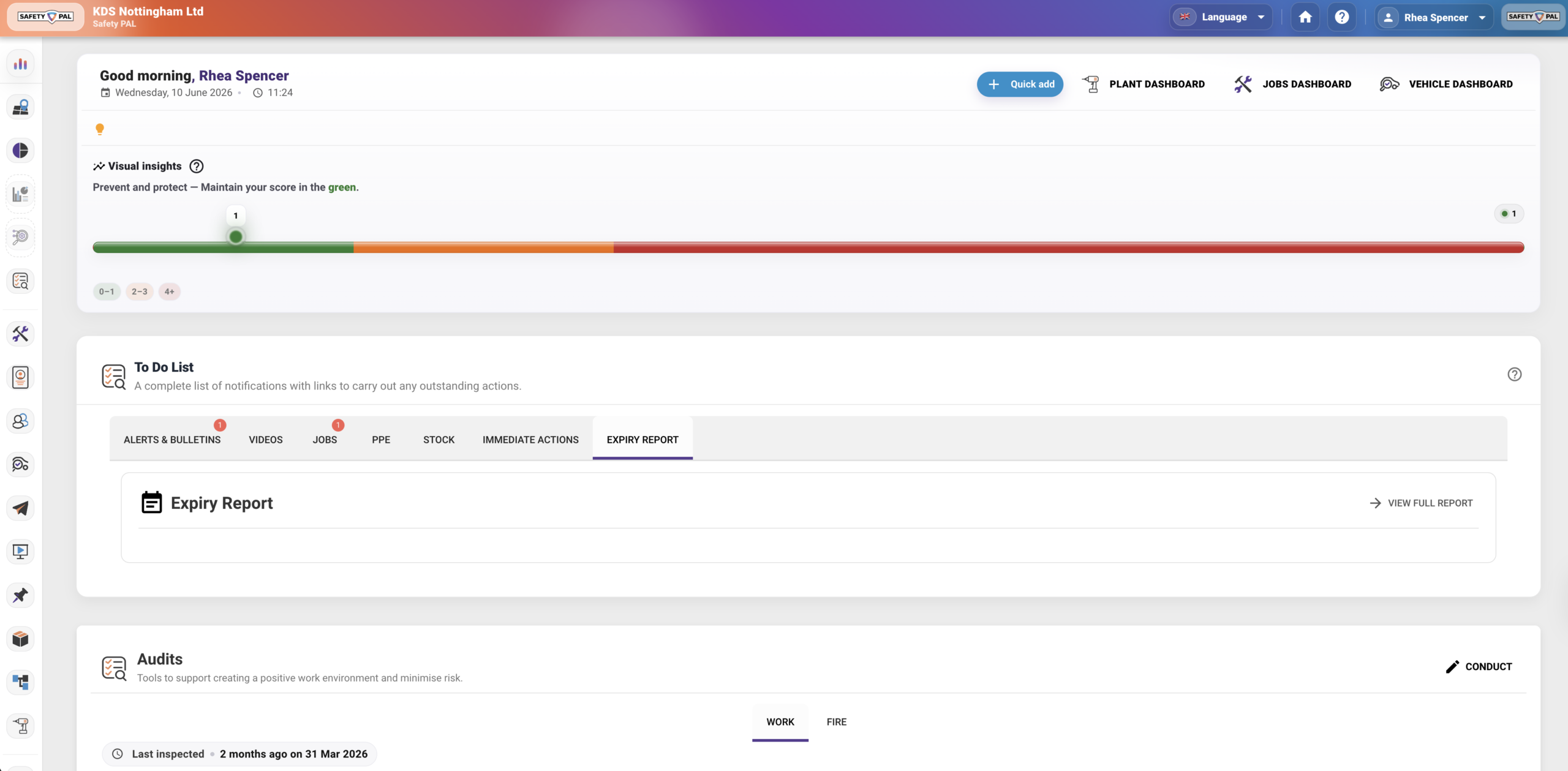
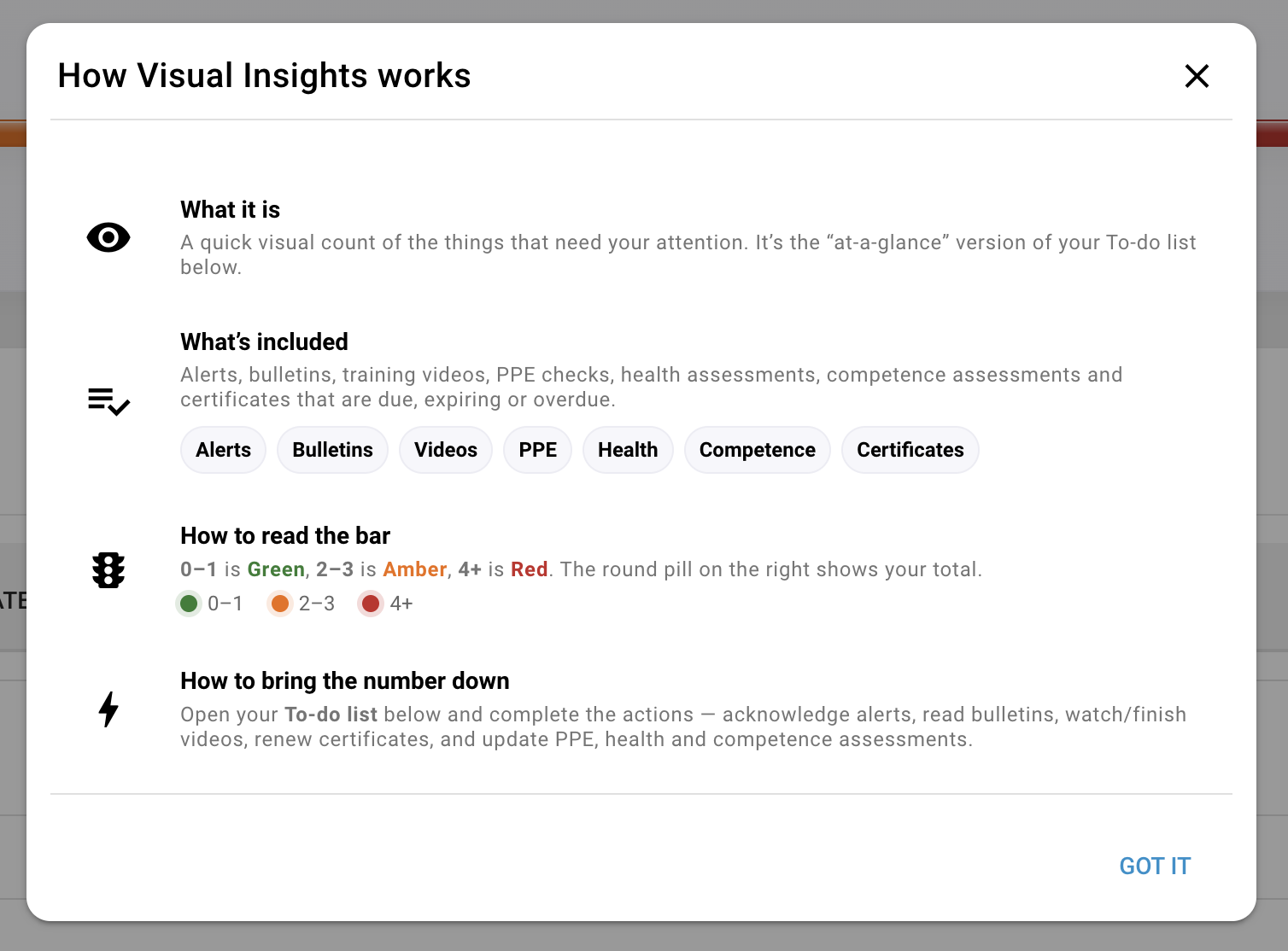
There are many elements on your dashboard. Where it says “visual insights,” click the question mark icon to learn what they are.
To-Do List
Your to-do list will show what items you need to complete. There are 7 tabs, each containing different information you need to know.
Alerts & Bulletins
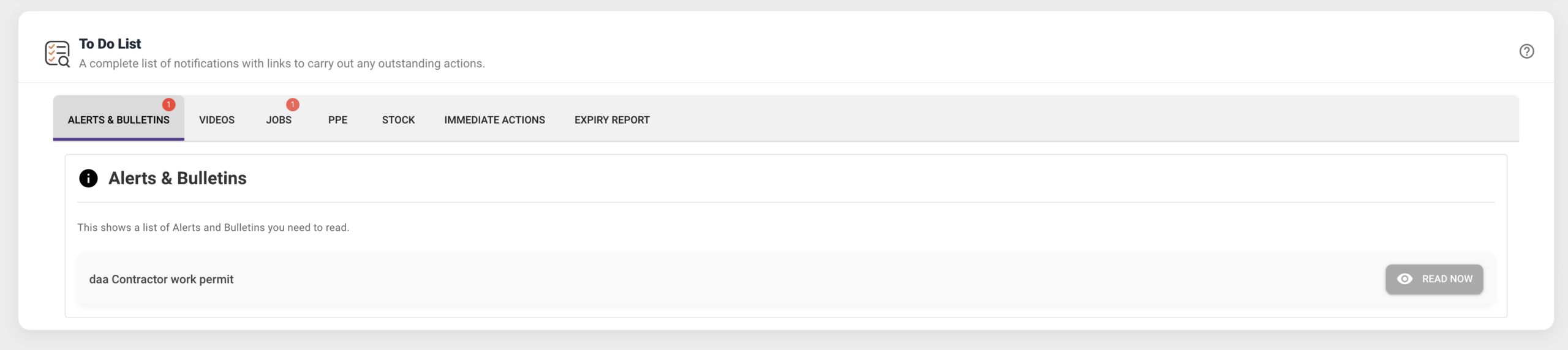
This is where your employer or line manager will add in important safety information you need to read and understand.
Videos
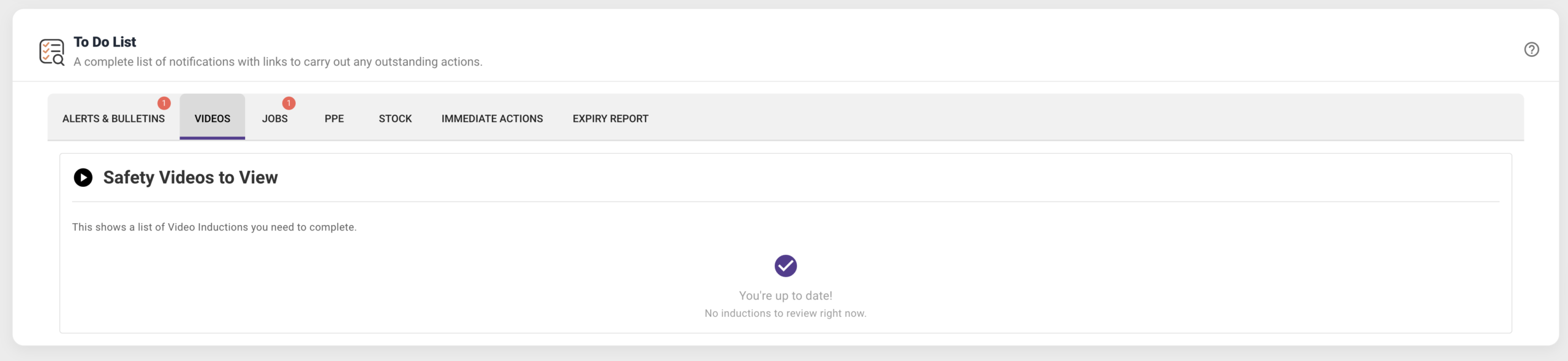
These are videos you need to watch, complete the Q&A for, and ensure you understand the information and can put it into practice.
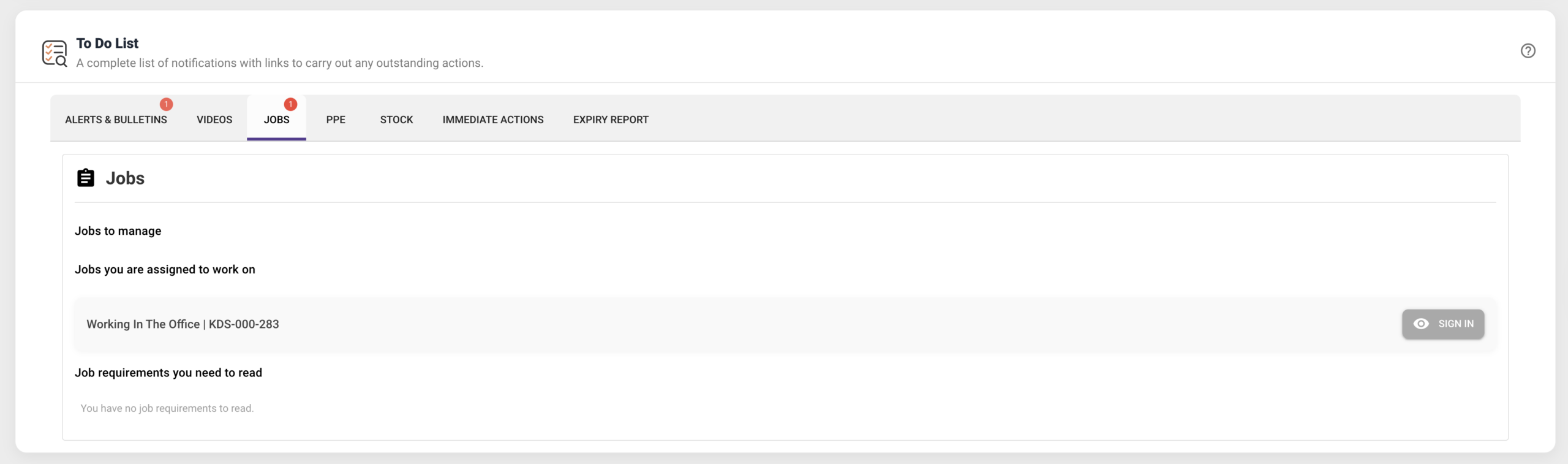
Jobs
This is where you can see which job you are assigned to. Jobs you are managing and job requirements you need to read. Before logging on to a job, you will need to read and understand the relevant information.
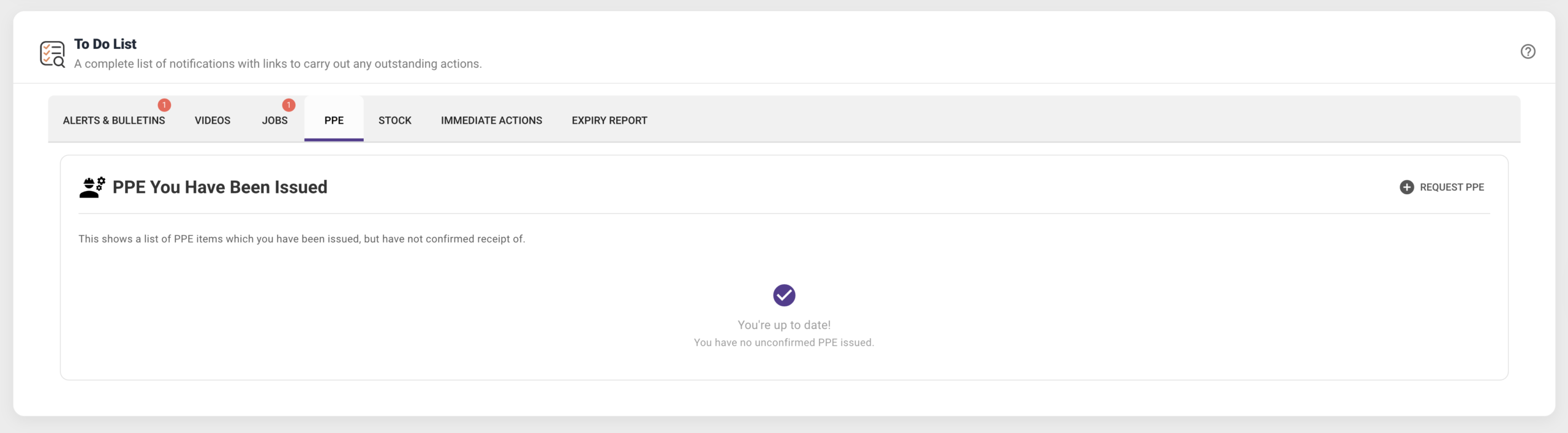
PPE
This will show you a list of PPE items which you have been issued but have not confirmed receipt of.
Stock
This will show you a list of stock items which you have been issued but have not confirmed receipt of.

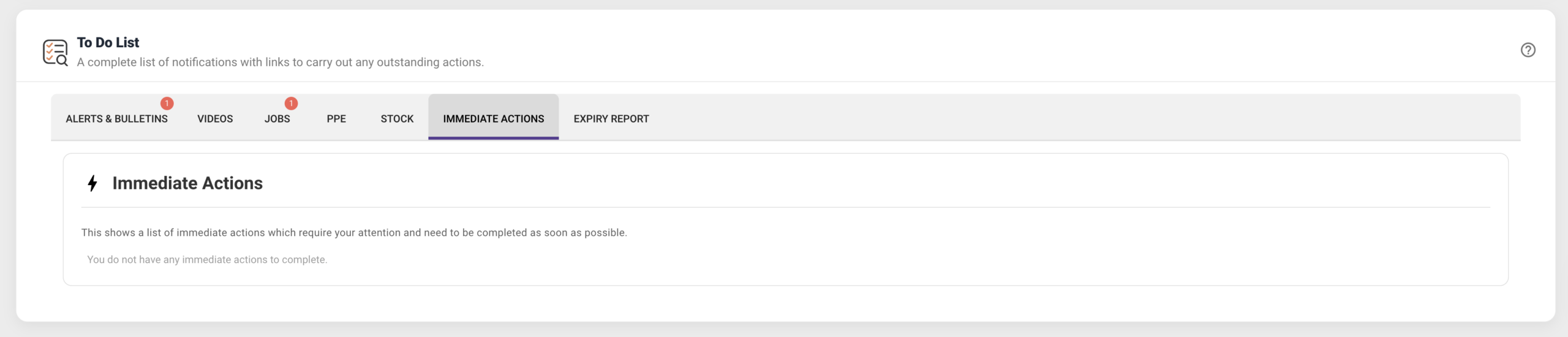
Immediate Actions
This shows a list of immediate actions which require your attention and need to be completed as soon as possible.
Expiry Report
This will show you which items are about to expire or have already expired, such as jobs, documents, or permits.
